Turn Workforce Data Into Results: 6 Proven Interventions That Boost Focus Time & Output Across Hybrid Teams
Hybrid work isn’t a temporary phase anymore. It’s the way work is organized for a lot of teams, and most companies have already invested in the “visibility” side of the equation.
They’ve rolled out workforce analytics tools like ActivTrak, Teramind, Controlio, or something similar, and now they have dashboards full of signals: how much focus time people get, how often their day gets chopped up by meetings, how much time is spent multitasking, which apps dominate the workday, when work spills into evenings, and how workload is spread across the team.
The problem is that having the data doesn’t automatically change anything. That’s exactly what this guide is built for. Instead of vague advice like “reduce distractions” or “run fewer meetings,” you’ll get six concrete interventions you can apply across hybrid teams.
The Hybrid Productivity Reality: Where Focus Gets Lost
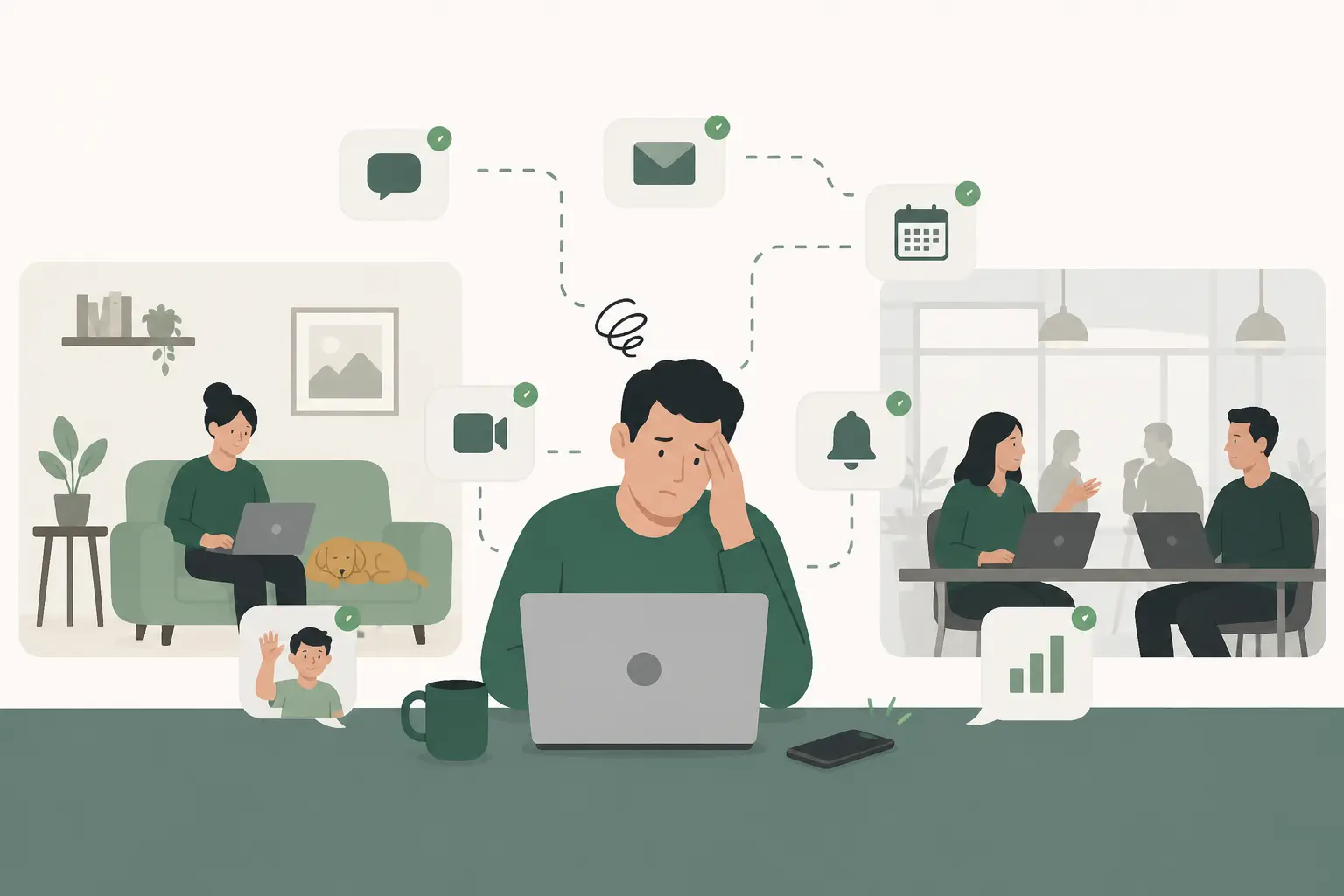
Focus time doesn’t disappear in a vacuum. It gets squeezed out differently depending on where people are working, and that’s what makes hybrid productivity so tricky. On remote-heavy teams, you’ll often see longer stretches where people can actually sit down and get into something, but those stretches get peppered with constant pings, quick “just one thing” messages, and a lot of tab-hopping that quietly drains attention.
Office-heavy teams tend to have the opposite problem. In the office, you might deal with fewer “home life” interruptions, but the tradeoff is that your calendar gets packed. Quick check-ins stack up, hallway questions turn into 20-minute discussions, and “since we’re all here” conversations turn into meetings that feel productive in the moment but quietly consume the whole day. Hybrid teams often get hit from both sides. They still have the meeting-heavy calendar, and they also have the constant digital chatter that comes with working across locations.
Step back far enough and you see the same pattern almost everywhere: the workday gets sliced into so many pieces that real focus doesn’t stand a chance.
A typical knowledge worker’s day gets carved up into chunks that are too small for deep work to survive. It’s not unusual to see three to four hours swallowed by meetings, another block of time spent bouncing in and out of Slack or Teams, and then whatever is left over, often less than three hours, trying to do the real work that actually moves projects forward.
That’s why so many people feel busy all day and still end the day thinking, “I didn’t get to the important stuff.” It isn’t a motivation problem. It’s a structure problem.
Once you actually do the math, it’s hard to unsee how big the opportunity is. Getting back 30 minutes of real focus time per person doesn’t sound like a game-changer, but it piles up fast. In a week, that’s a few extra hours where people can actually finish something without getting pulled in five directions. Over a year, it’s about 130 hours, basically more than three full workweeks of solid, usable work time returned to each employee.
That’s the kind of gain that shows up in fewer late nights, shorter project timelines, and less “catch-up” work bleeding into weekends.
The Meeting Reset Program
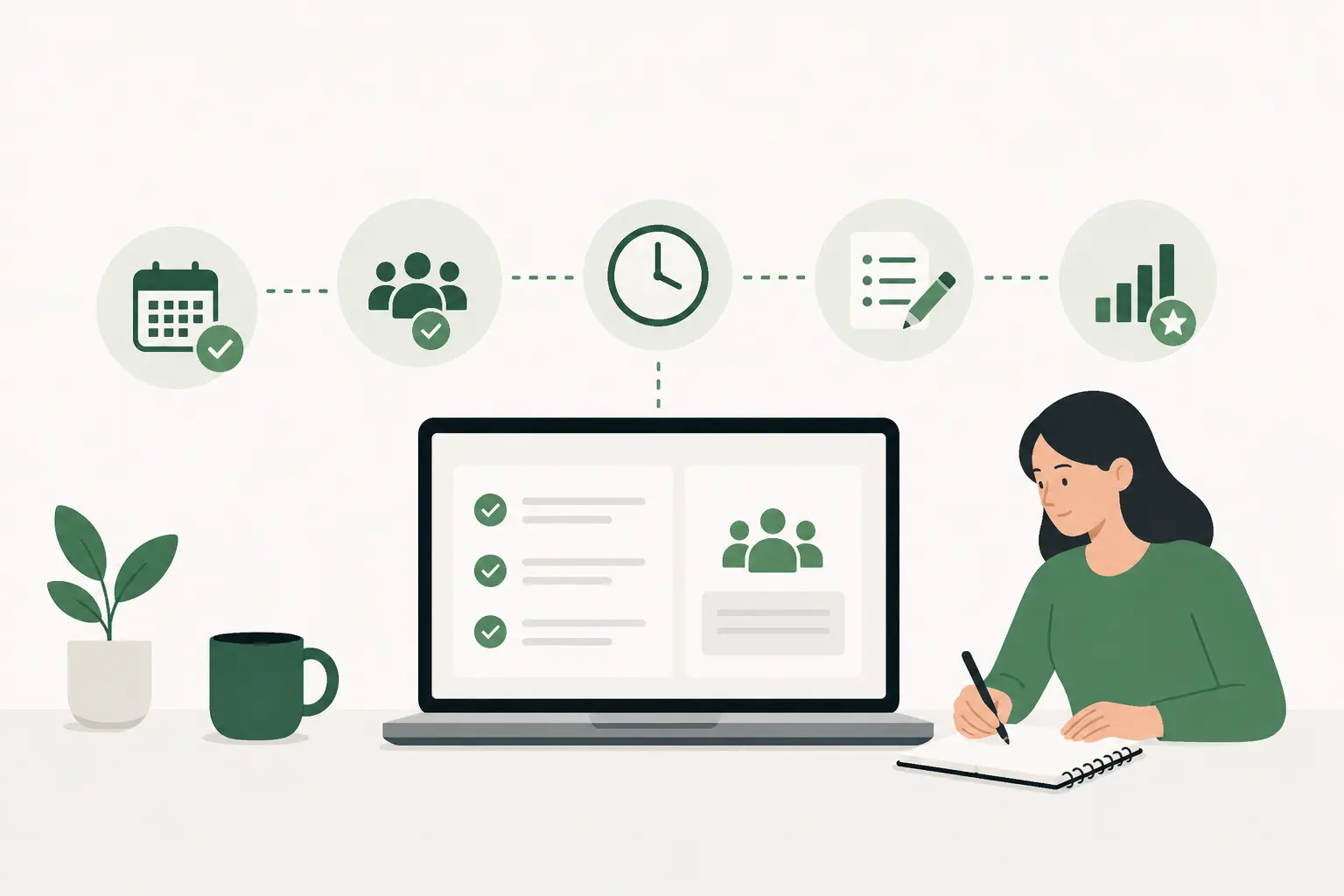
Meeting overload is one of those problems almost every hybrid team recognizes immediately, because you can feel it in the rhythm of the day. People start the morning with good intentions, then the calendar starts stacking up: a standup, a “quick sync,” a project check-in, a stakeholder update, a last-minute invite that’s hard to decline.
By the time the day is half over, the only work that’s happened is talking about the work. That’s why meeting overload is such a reliable productivity killer, it doesn’t just take time, it breaks the day into fragments that are too small to do meaningful, focused work in.
The simplest metric to watch is average daily meeting hours per employee. If your typical person is consistently spending more than 3.5 hours a day in meetings, or if 60% of their workday is already scheduled before they even begin, you’re not looking at a “busy season.” You’re looking at a system that’s leaving too little room for execution. The real cost isn’t only the meeting itself. It’s the setup time before, the recovery time after, and the fact that deep work doesn’t fit neatly into the leftover 20-minute gaps between calls.
A meeting reset program is basically a structured way to get your calendar back under control without killing collaboration. It starts with a short audit, two weeks is usually enough, to see what’s actually happening in practice.
Then you make a few intentional changes that sound small but have outsized impact: recurring meetings that don’t have a clear purpose or agenda get cut, status updates that don’t need live discussion move to async formats, and meetings are capped at 25 or 50 minutes so they stop expanding to fill every available slot.
The biggest unlock for many teams is establishing protected no-meeting blocks, something like 9 to 11 in the morning, so people have a reliable window where they can do the work that meetings are supposed to support.
Distraction Blockers & Focus Mode Enforcement
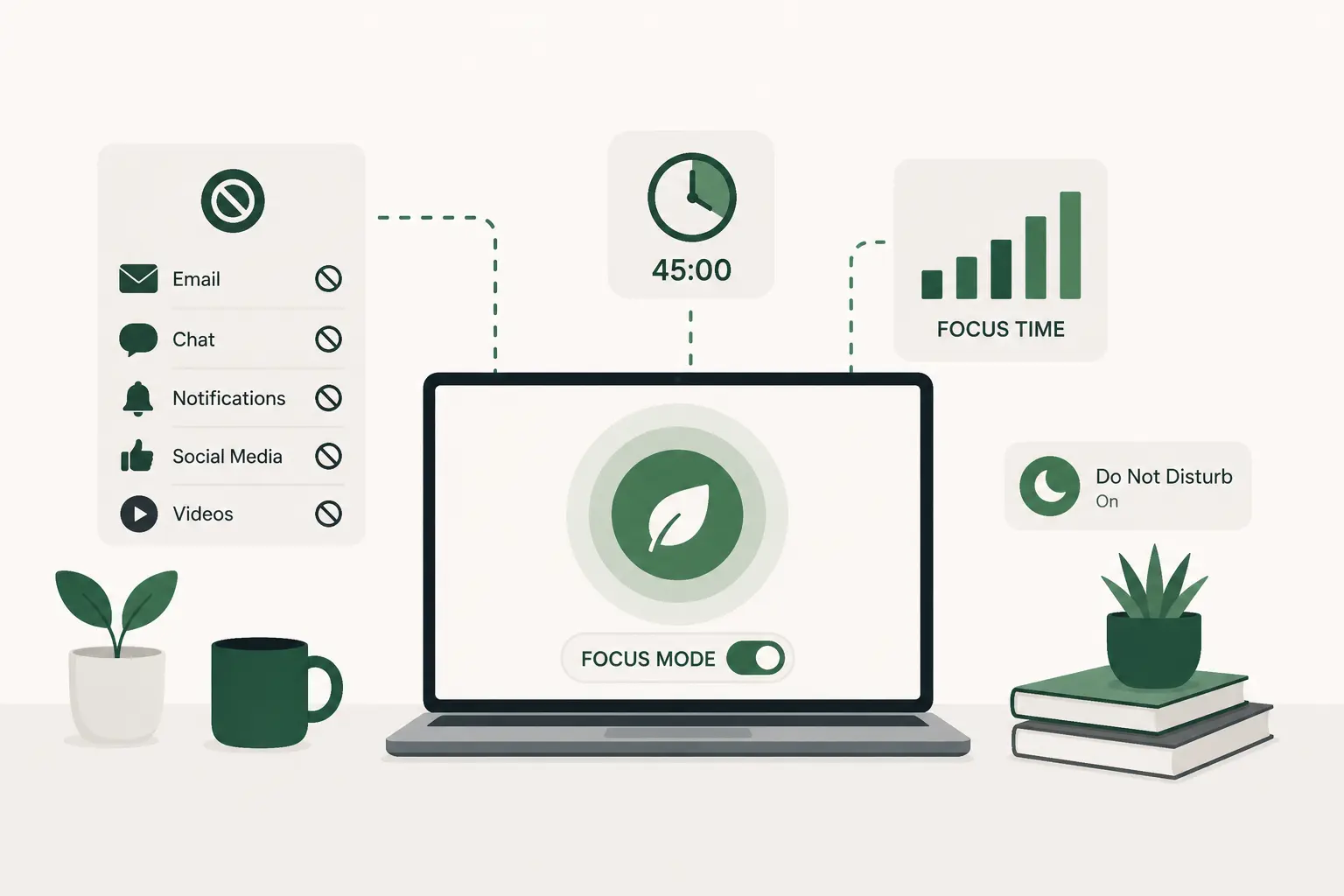
Hybrid work has quietly multiplied the number of micro-interruptions employees face each day. Even when someone isn’t in a meeting, they’re often bouncing between Slack threads, email notifications, browser tabs, shared docs, and project boards. The brain pays a cost every time it switches context, even if the switch only takes a few seconds. Over the course of a day, those seconds add up to lost momentum and mental fatigue.
The most useful metric here is multitasking time and app-switch frequency. When you see more than 2.5 hours per day categorized as fragmented multitasking, that’s a structural problem, not a personality flaw. It usually means the environment is pulling attention in too many directions.
The intervention is less about restriction and more about protection. Structured focus mode scheduling, such as two 90-minute protected blocks per day, creates a predictable window for deep work. Notification batching reduces the constant drip of interruptions. Temporarily muting non-critical Slack channels during those blocks lowers digital noise. Digital wellbeing nudges can gently flag excessive switching without shaming anyone.
This isn’t about monitoring what someone is doing minute by minute. It’s about designing a workday that makes focus possible. Teams that implement structured protection for deep work commonly see a 15–25% increase in sustained focus intervals, along with fewer small mistakes and less rework. Just as importantly, employees often report feeling less drained at the end of the day, even though their total hours haven’t changed.
App Rationalization & Tool Stack Cleanup
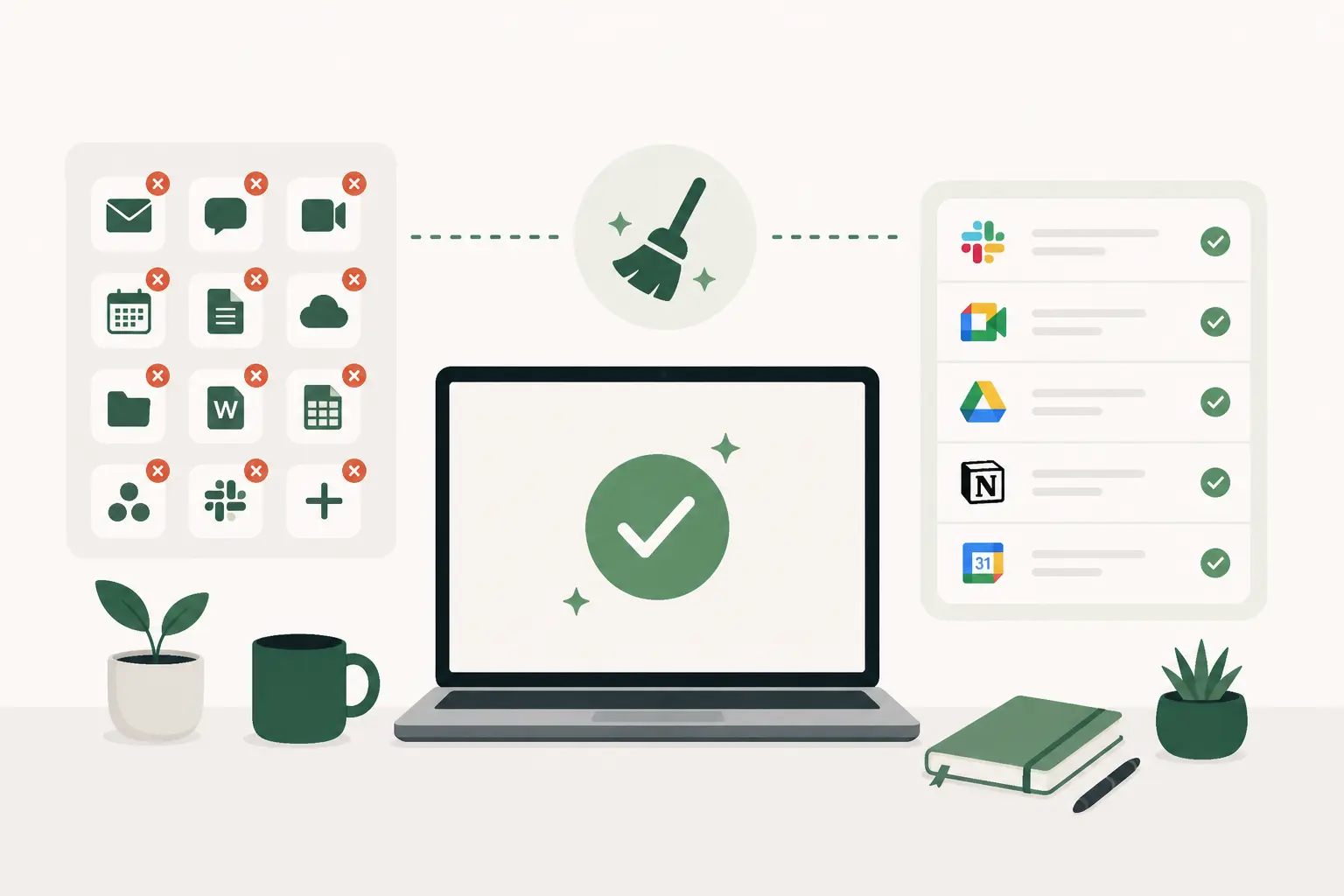
Hybrid teams tend to accumulate tools over time. A new messaging app gets added for one project, a separate documentation platform for another, a niche browser tool for a specific workflow. Individually, each tool seems useful. Collectively, they create friction.
The metric to monitor is the number of daily active apps per employee and how much time is spent in low-value or redundant platforms. When people regularly interact with 12 to 15 different apps per day, especially across overlapping communication or documentation systems, context switching becomes inevitable.
A quarterly tool stack audit is often enough to reset things. This means identifying overlapping communication platforms, consolidating documentation systems, removing unused micro-tools, and standardizing task tracking into one primary system. The goal isn’t minimalism for its own sake. It’s reducing cognitive drag.
The ROI here may seem modest at first glance, often a 5–10% productivity improvement, but it compounds over time. Simplified systems lower onboarding friction for new hires, reduce confusion about where work lives, and often cut unnecessary software costs. What feels operational on the surface becomes strategic when scaled across a growing team.
Focus Sprint Implementation (Structured Deep Work Blocks)
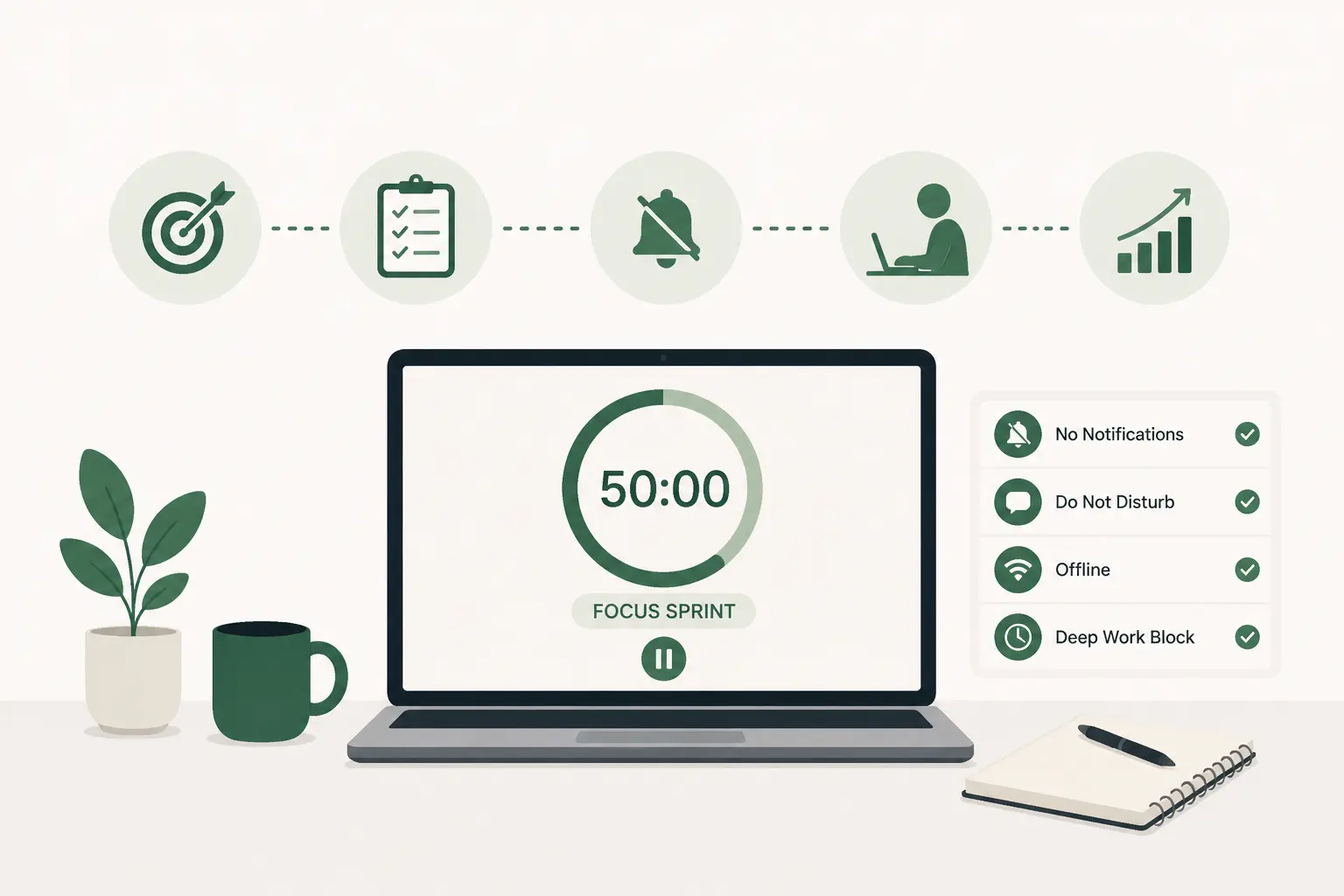
Many organizations assume employees will naturally carve out deep work time on their own. In reality, behavior follows environment. If calendars are open and notifications are constant, even highly disciplined employees struggle to protect focus consistently.
Average uninterrupted focus block length is the key metric. If most sessions are under 45 minutes, it’s unlikely that complex, high-value work is being completed efficiently.
Introducing structured focus sprints, two 90-minute deep work windows per day, creates a shared rhythm. No meetings, no Slack pings, clearly labeled on calendars, and modeled by leadership participation. When leaders honor the sprint windows themselves, the cultural signal is powerful.
Some teams take this further by running “sprint weeks,” tracking cumulative focus gains and celebrating output milestones. Organizations that formalize deep work often see a 20–30% increase in deep output and faster project completion. Over time, this also reduces overtime because meaningful progress happens during core hours instead of spilling into after work hours.
Workload Caps & Capacity Guardrails
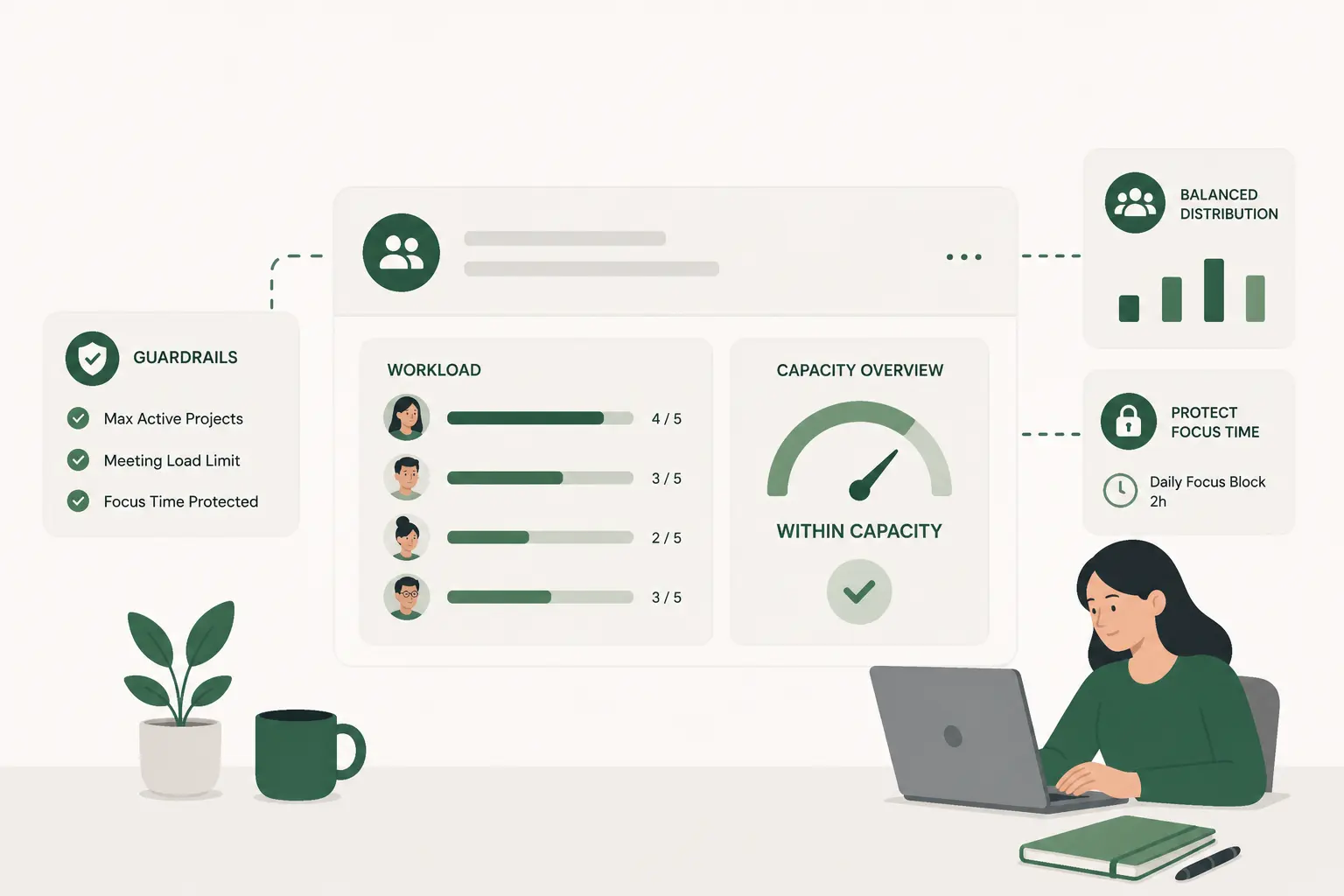
Not all productivity problems are focus problems. Sometimes they’re capacity problems disguised as distraction issues. If someone is juggling too many initiatives at once, no amount of focus blocking will solve the underlying overload.
Here, you monitor average daily working hours and after-hours activity. When employees consistently log 9.5+ hour days or show sustained weekend work patterns, that’s a signal that workload distribution needs review.
The intervention centers on guardrails: capping concurrent major projects, introducing WIP (Work In Progress) limits, requiring task load reviews before new initiatives are assigned, and monitoring sustained over-capacity trends. These aren’t restrictive policies; they’re stability mechanisms.
The payoff includes lower turnover risk, improved quality metrics, and a 5–12% productivity lift driven by reduced rework and clearer prioritization. Capacity discipline prevents firefighting cycles and makes output more predictable.
Burnout Pattern Detection & Early Intervention
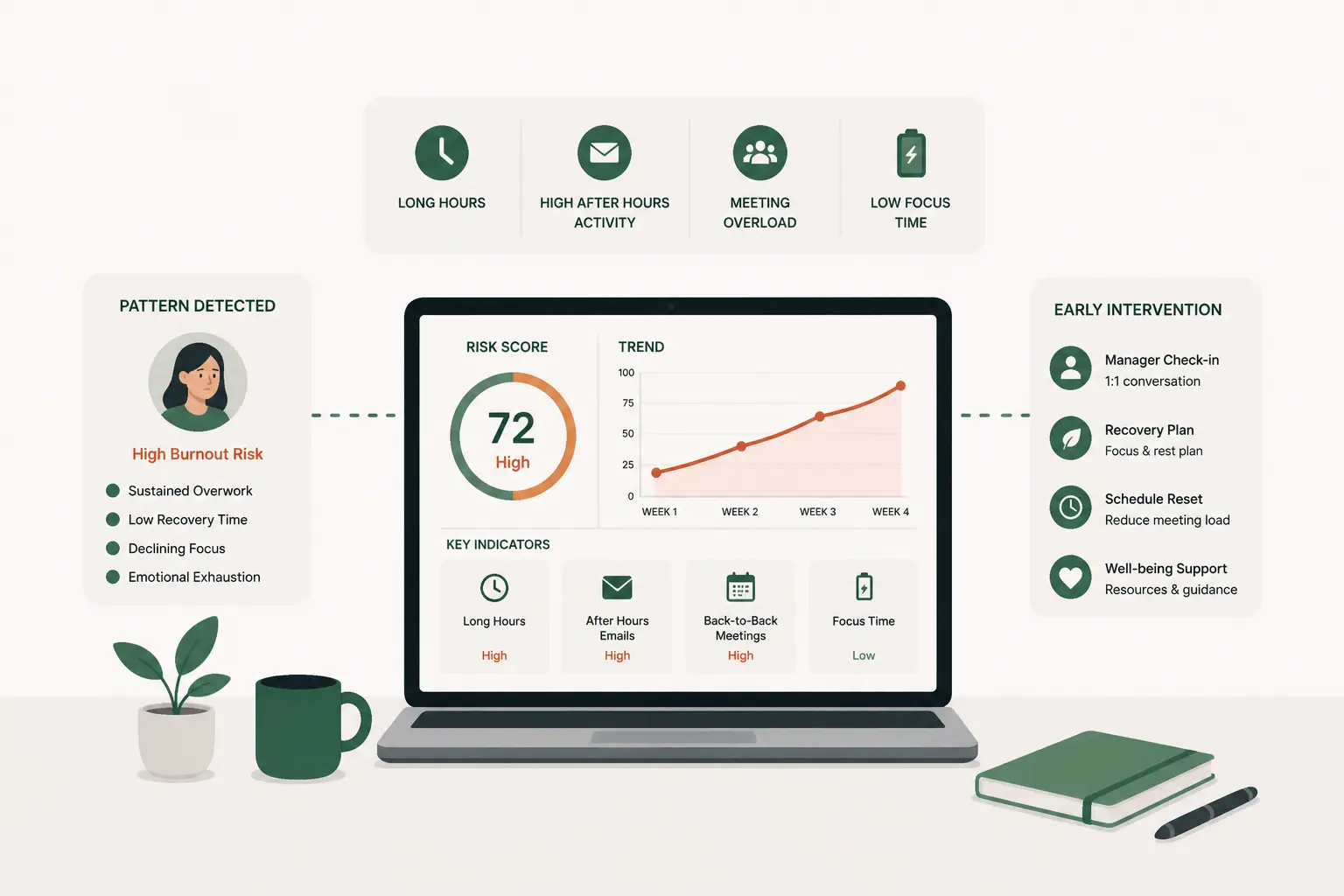
Burnout rarely appears overnight. It shows up in behavioral signals long before someone formally disengages. After-hours spikes, declining focus time, and rising multitasking hours often move together.
When sustained after-hours work persists for three or more weeks, combined with shrinking deep work intervals, that’s a red flag. Burnout erodes cognitive clarity, increases mistakes, and weakens decision-making.
Early intervention matters. Data-triggered manager check-ins, temporary workload redistribution, mandatory recovery days, and proactive PTO encouragement can reset the trajectory. These aren’t soft perks; they’re operational safeguards.
Organizations that intervene early typically see lower attrition, preserved institutional knowledge, and stronger engagement scores. Burnout prevention is risk management, not just culture building.
Data-Driven Productivity Coaching
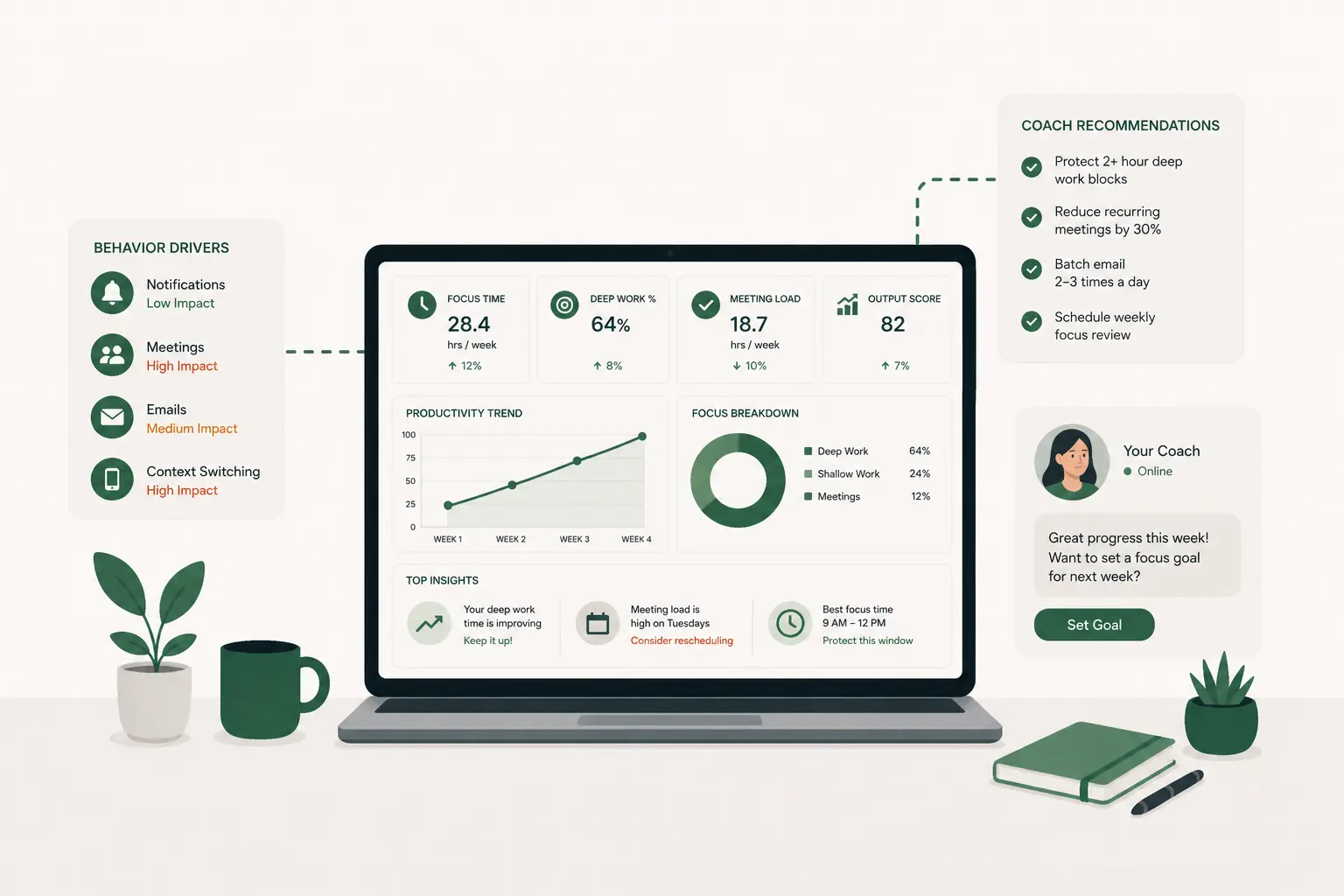
While many productivity challenges are structural, some are behavioral. Analytics tools can reveal consistent outliers, employees whose focus or multitasking patterns diverge significantly from team norms for extended periods.
When those patterns persist for four weeks or more, it’s an opportunity for coaching rather than correction. One-on-one productivity reviews, focus habit coaching, workflow redesign sessions, and personalized “ideal day” mapping help employees build sustainable routines.
Because the conversation is anchored in objective data, it feels constructive instead of subjective. Teams that adopt data-backed coaching frequently see 10–20% individual output improvements, along with higher confidence and clearer work habits.
Quantifying the Gain: The 30-Minute Rule
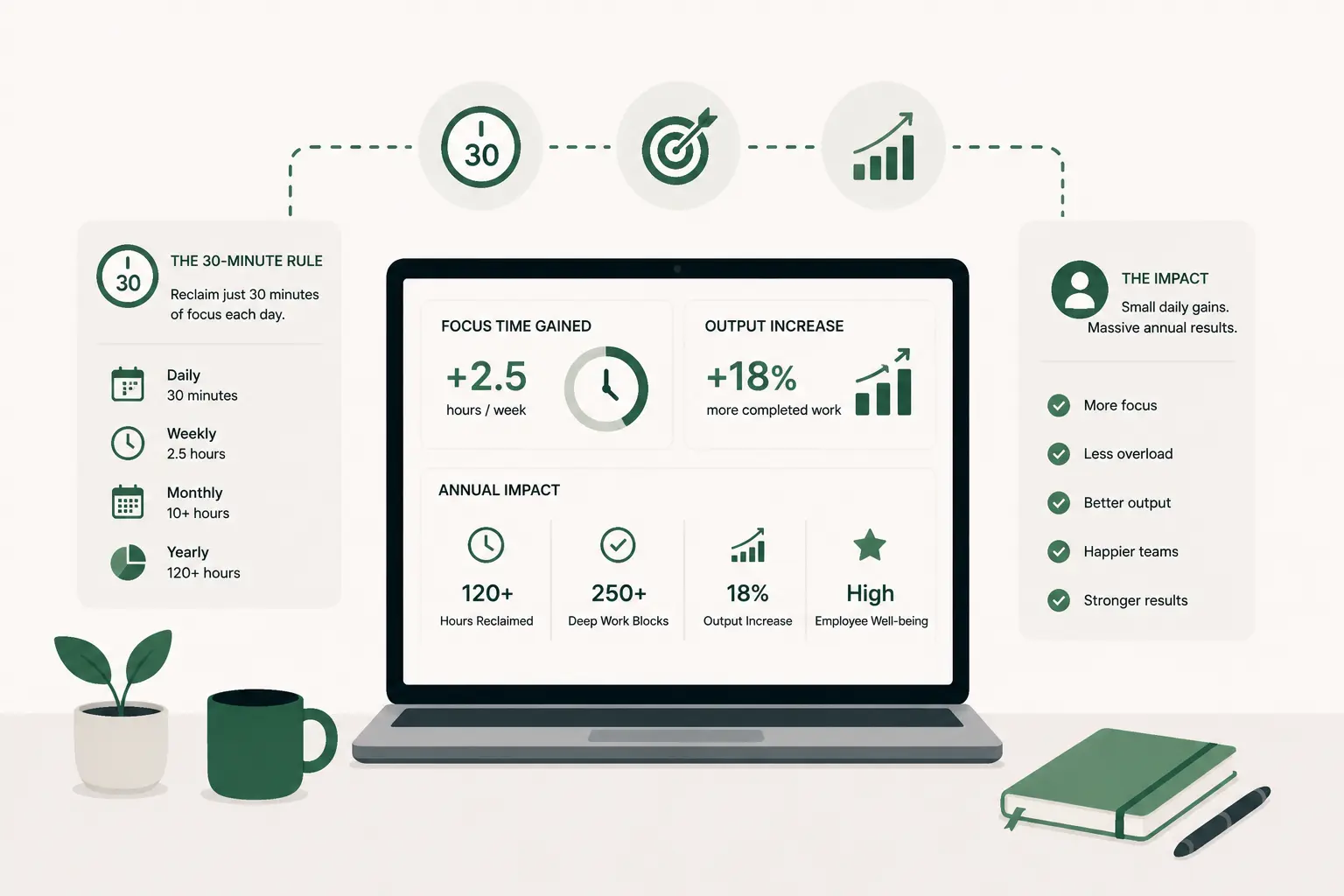
The math reinforces why these interventions matter. Imagine a 50-person team with an average salary of $90,000, roughly $43 per hour. Reclaiming just 30 minutes of focus per employee per day results in:
0.5 hours × $43 × 50 employees × 240 workdays =
$258,000 in recovered productive capacity annually.
And that estimate doesn’t account for reduced errors, faster delivery cycles, or avoided burnout-driven turnover. Even small structural improvements, when applied consistently, create significant financial leverage.
Building a Productivity Improvement Plan Template
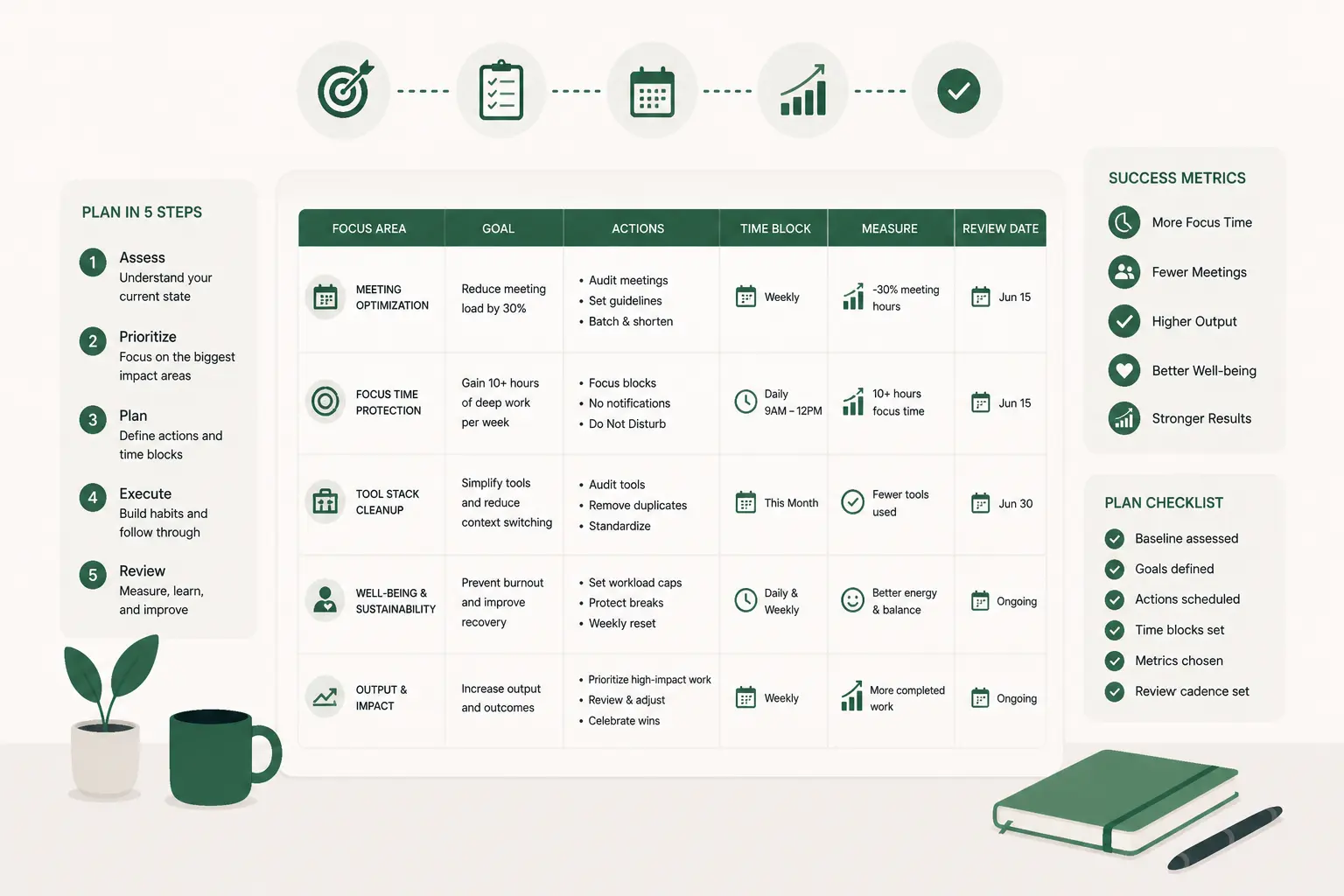
To avoid one-off initiatives, productivity improvement needs structure. An effective plan starts with a baseline benchmark: current focus time, meeting load, and multitasking rates. It defines trigger thresholds that clearly signal when to intervene. It includes a documented intervention playbook, meeting resets, sprint implementation, workload caps, so teams know what to run and when.
From there, ROI tracking becomes monthly practice, not a one-time review. Finally, quarterly recalibration ensures that as teams grow or shift to new work patterns, the metrics and thresholds evolve accordingly.
When you operate this way, productivity analytics stop being passive dashboards and start functioning as active management levers. The goal isn’t more data. It’s measurable, repeatable improvement.
Why Most Organizations Stall After Measurement
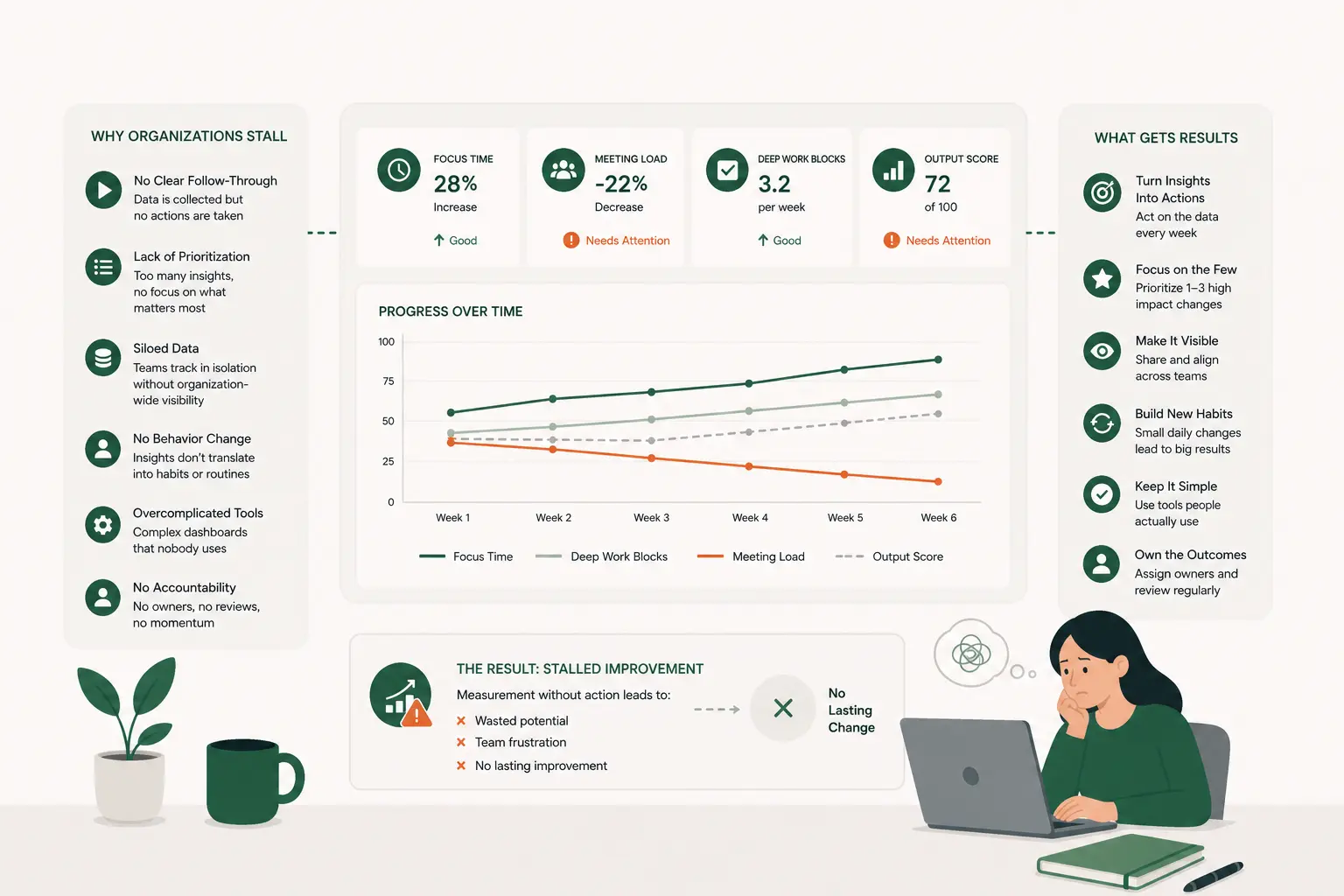
Collecting workforce data feels like progress. There’s a sense of control that comes from seeing dashboards light up with metrics, focus time, meeting load, multitasking patterns, workload distribution. Leaders can finally see what’s happening instead of relying on anecdotes. But that’s often where momentum slows down.
One of the biggest reasons is simple data paralysis. When teams are presented with dozens of metrics and trend lines, it’s hard to know which one actually matters most. Focus time is down, but so is engagement in certain apps.
Meetings are high, but output hasn’t collapsed. Without a clear framework for prioritization, the data becomes overwhelming. Instead of triggering action, it creates analysis loops. Teams review the numbers, discuss them in leadership meetings, and then defer decisions because “we need to look at it one more quarter.”
Another common stall point is fear of cultural backlash. Productivity analytics can feel sensitive. Leaders worry that if they intervene too aggressively, cut meetings, question workload patterns, introduce focus blocks, it might be interpreted as micromanagement or surveillance. So they soften their response. They mention the metrics in passing. They encourage “being mindful of focus time.” But they stop short of implementing structured change. The result is a dashboard that everyone knows exists, but no one meaningfully responds to.
Then there’s the issue of intervention design. Measurement is relatively easy. Designing change programs is not. It requires deciding on trigger thresholds, assigning accountability, defining time-bound experiments, and committing to follow-up measurement. Many organizations collect data but never build a playbook that says, “If this metric crosses this line, we will run this intervention for four weeks and evaluate impact.” Without that structure, insights remain abstract.
Ownership is the final friction point. Productivity often lives in the gray space between HR, operations, and team leadership. If no one explicitly owns the productivity program, it becomes everyone’s responsibility, and therefore no one’s priority. Metrics get reviewed, but no one is accountable for running experiments, tracking ROI, and reporting outcomes.
The tension is this: measurement without action creates frustration. Employees see the same problems leadership sees, too many meetings, fragmented days, overloaded calendars, and if nothing changes, trust erodes. On the other hand, intervention without metrics creates guesswork. Leaders may cut meetings or implement focus sprints, but without baseline data and post-intervention tracking, they can’t prove whether the changes actually worked.
Where Controlio Fits in the Journey
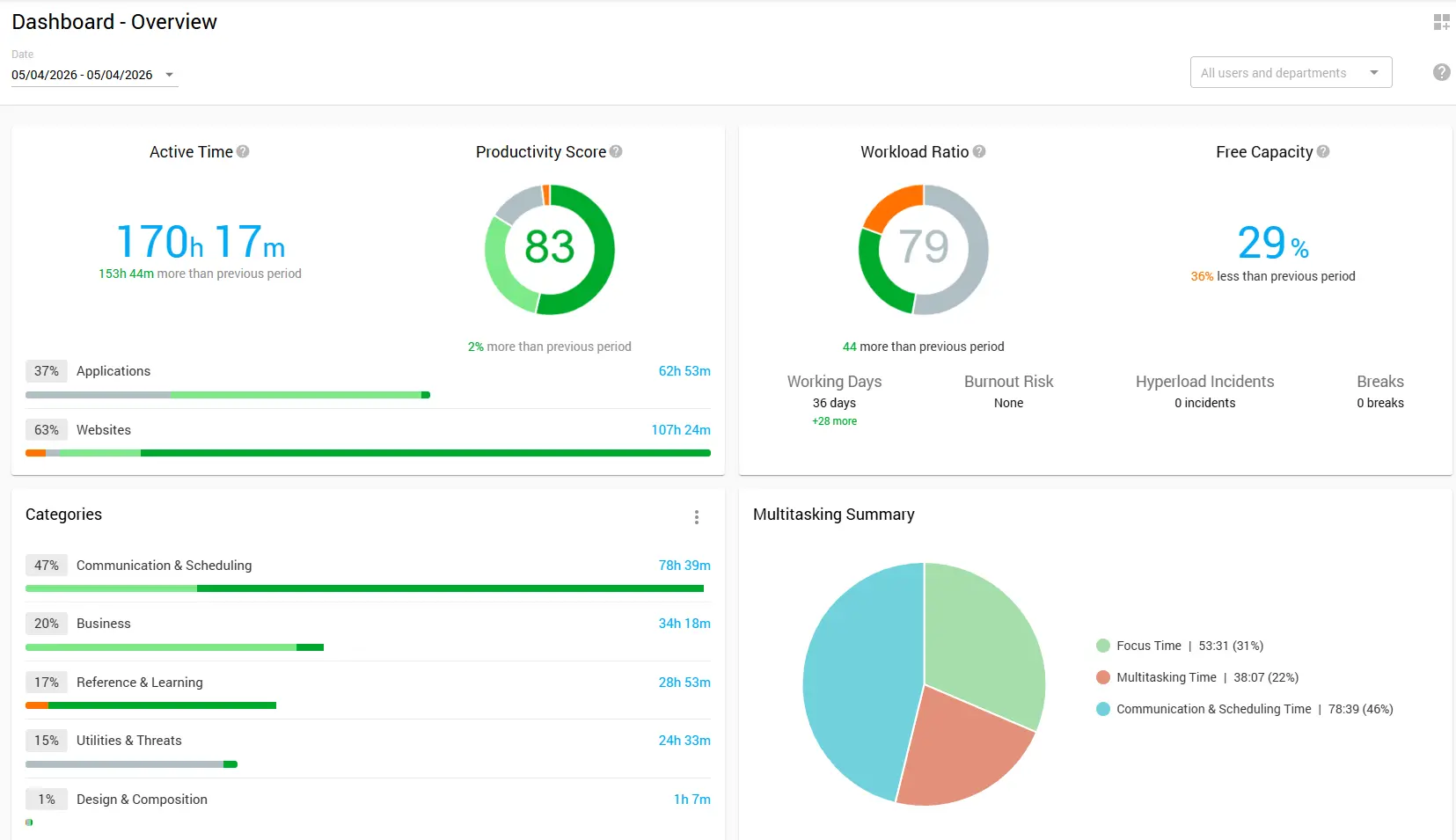
Enhancing employee productivity and efficiency takes more than good intentions. It requires visibility into how work is actually happening, enough context to understand why patterns are showing up, and a responsible way to intervene that improves outcomes without damaging trust. That’s where Controlio fits.
It helps teams see the difference between focused work and fragmented multitasking, understand meeting density and workload distribution across individuals and groups, spot early burnout risk signals before they become attrition or performance issues, compare productivity patterns across remote and office work, and surface structural inefficiencies that quietly drag down output in hybrid environments.
The big value is that leaders don’t have to manage off gut feel anymore. Instead of guessing whether meetings are “too much” or whether distractions are “getting worse,” you can point to objective trends and make changes with a clear baseline. Used the right way, the goal isn’t surveillance. It’s structured improvement, using data to protect focus time, reduce waste, and create healthier work patterns that teams can actually sustain.
When you pair Controlio with the six interventions in this guide, it becomes a practical loop: set measurable improvement targets, run focused programs like meeting resets or deep work sprints, validate the ROI by comparing before-and-after metrics, catch early signs of overload that would otherwise slip through, and keep the gains from fading over time. In other words, it helps you move from “we have dashboards” to “we have a system that consistently improves how work gets done.”