The Hidden Cost of Context Switching: Why Your Team Feels Busy But Produces Less
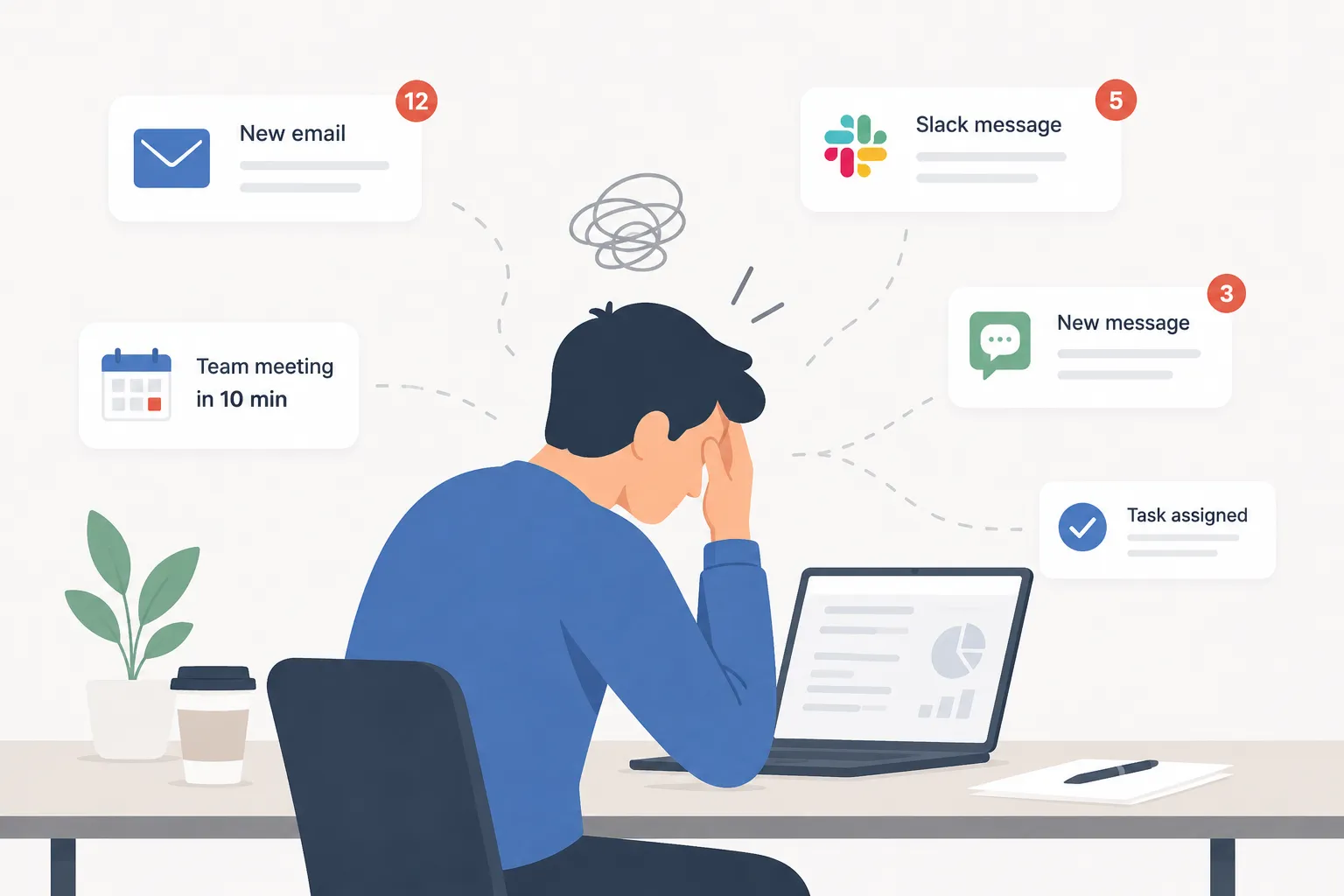
Most teams do not set out to waste time. Employees open their laptops, answer messages, join meetings, check dashboards, update projects, respond to customers, and move between tasks all day, and from the outside, everyone looks busy. But looking busy doesn’t always mean you are productive.
A team can spend the entire day working and still struggle to finish meaningful work. Projects move slowly. Deadlines slip, employees feel drained, and managers see activity, but the output does not match the effort. One of the biggest reasons is context switching.
Context switching happens when employees move from one task, tool, conversation, or mental state to another. A developer stops coding to answer a chat message. A support manager leaves a report to join a last-minute meeting. A writer pauses a draft to check email. A finance employee jumps from spreadsheet work to a Slack thread, then back to the spreadsheet, then into another call.
Each switch may seem small. The real cost comes from repetition. When task switching happens all day, employees lose focus, carry attention residue from unfinished work, and spend more energy trying to restart than actually making progress. For knowledge work productivity, context switching is one of the quietest and most expensive problems in the workplace.
What Is Context Switching?
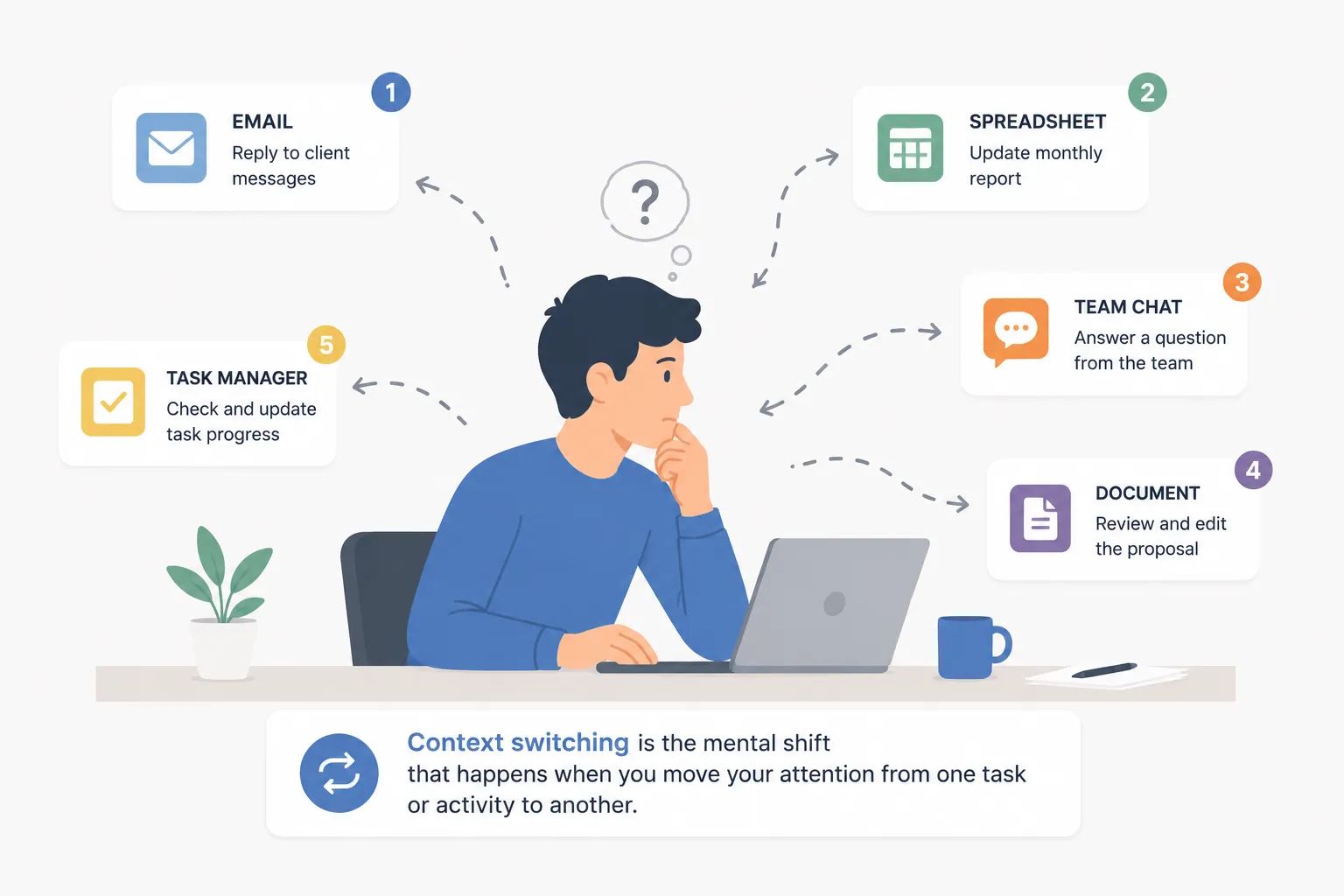
Context switching is the mental shift from one task to another. It can happen when an employee changes projects, opens a new app, answers a message, attends a meeting, checks a notification, or moves from focused work to administrative work.
Some context switching is normal. No job allows people to stay on one task forever. Employees need to collaborate, answer questions, support coworkers, and respond to changing priorities. The problem starts when switching becomes constant.
A normal day may include deep work, meetings, email, chat, task management, customer systems, internal tools, and reporting. If those activities are scattered across the day with no clear structure, employees never get enough uninterrupted time to think. They are always starting, stopping, and restarting.
This creates the feeling of being busy without the satisfaction of finishing important work. The employee may not be lazy or distracted. The workflow itself may be interruption-heavy.
Why Task Switching Costs More Than It Looks Like
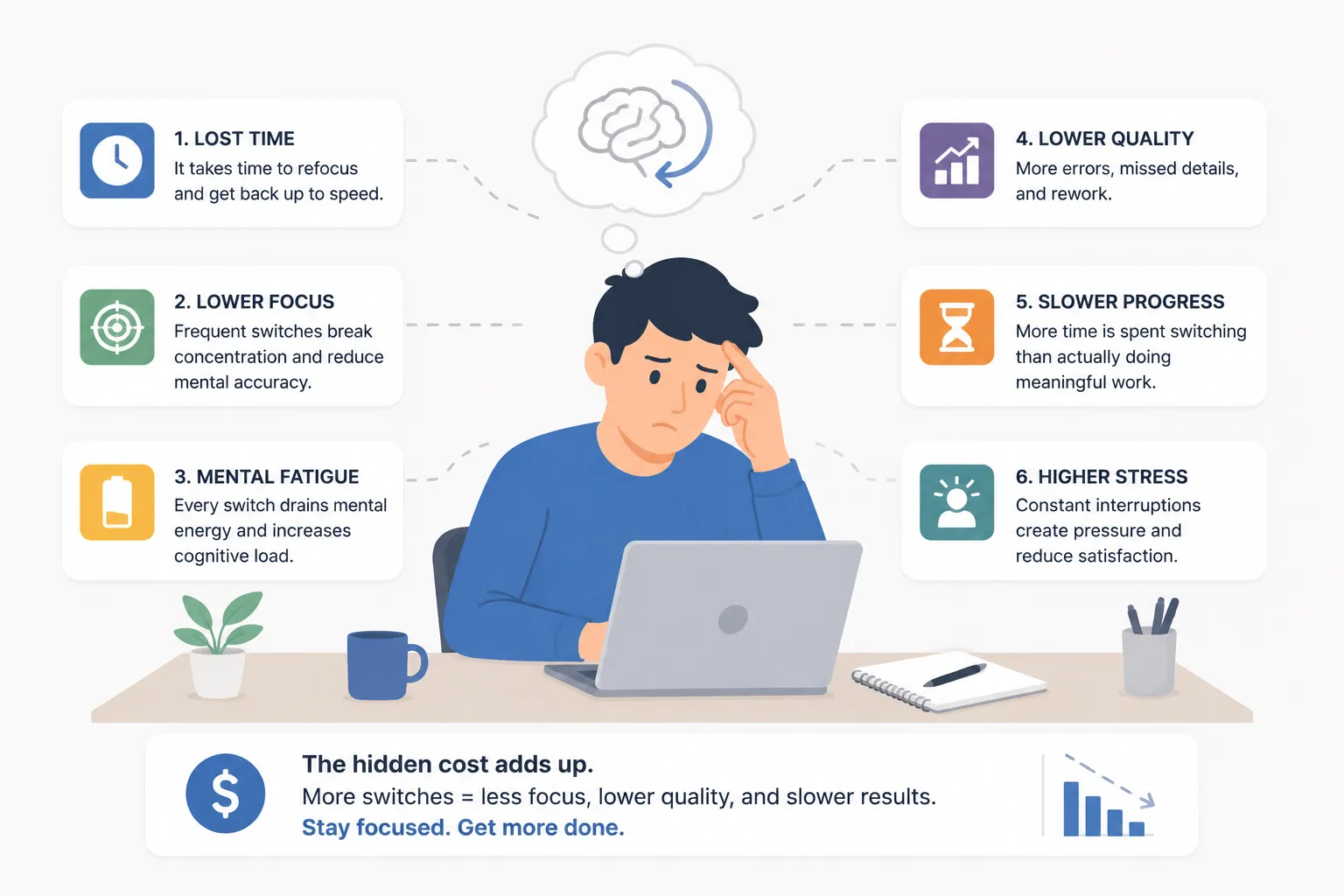
Task switching costs are easy to underestimate because interruptions often look harmless. A two-minute chat reply feels small. A quick email check feels reasonable. A short meeting seems necessary.
When someone leaves one task and starts another, part of their attention often stays with the previous task. This is called attention residue. The employee may be answering a message, but part of their mind is still thinking about the report they paused. When they return to the report, they have to remember where they were, what they were trying to solve, and what they planned to do next.
The more complex the original task, the more expensive the switch becomes. Interrupting a simple admin task may not matter much. Interrupting strategic planning, writing, coding, analysis, design, or customer problem-solving can break the mental thread that made the work possible.
This is why context switching is so damaging in knowledge work. The most valuable work often depends on sustained focus. When focus keeps getting interrupted, productivity drops even if employees remain active.
The Neuroscience Behind Feeling Busy But Unproductive
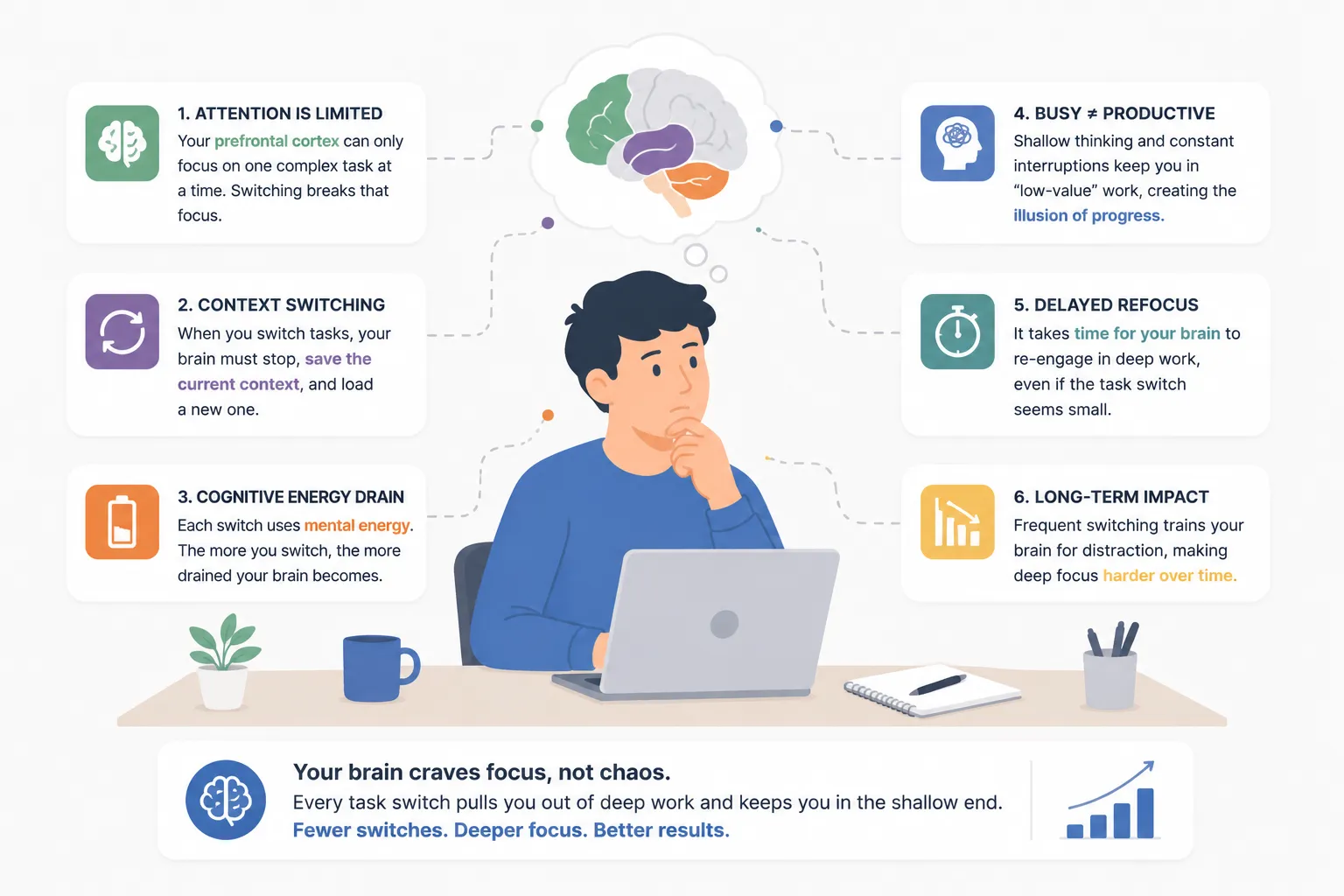
The brain has limited working memory. It can only hold so much information at once. Deep work requires that limited mental space to be focused on one problem long enough to make progress.
When employees switch between tasks, the brain has to unload one context and load another. That means remembering the rules, goals, details, tools, and next steps for the new task. Then, when the employee switches back, the process starts again.
In practical terms, employees may feel like they are working hard, but much of their mental effort is going into managing the switching itself. They are not just doing the task. They are repeatedly rebuilding the conditions needed to do the task.
Over time, that can cause fatigue. It can also make employees more reactive. Instead of choosing the highest-value work, they respond to whatever notification, meeting, or request appears next. That is when productivity starts to feel chaotic. Everyone is moving, but the team is not gaining much ground.
Where Context Switching Shows Up at Work
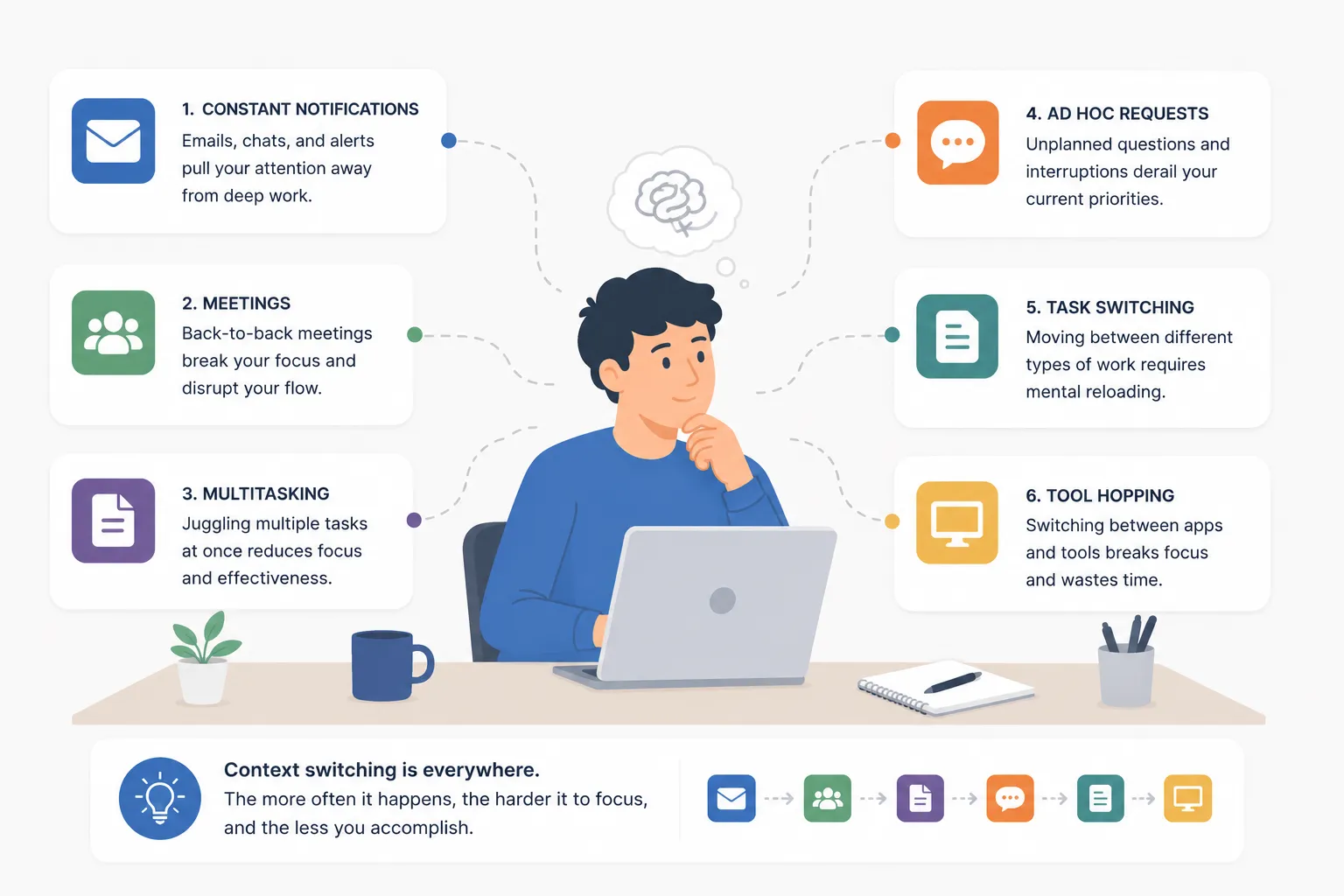
Context switching is not always obvious. It rarely appears as a line item in a project plan. It hides inside normal work habits. Microsoft’s 2025 Work Trend Index found that employees are interrupted every two minutes during core work hours, with high-volume users receiving 275 interruptions a day from meetings, emails, and chats. It also found that 60% of meetings are ad hoc, which helps explain why the modern workday feels so fragmented.
Common sources include:
- Meeting overload
- Constant chat notifications
- Frequent email checking
- Switching between too many software tools
- Last-minute requests
- Unclear priorities
- Too many active projects
- Manual status updates
- Frequent approvals
- Quick questions that are not actually quick
A manager may see a full calendar and assume the team is engaged. An employee may see a long list of completed small tasks and assume the day was productive. But if the most important work did not move forward, the team may be paying a large hidden cost.
This is especially common in remote and hybrid teams. Digital tools make communication easier, but they also make interruptions easier. A coworker can send a message at any time. A meeting can be added with little warning. A notification can pull someone out of focus before they even realize it happened.
Meeting Overload and Broken Focus
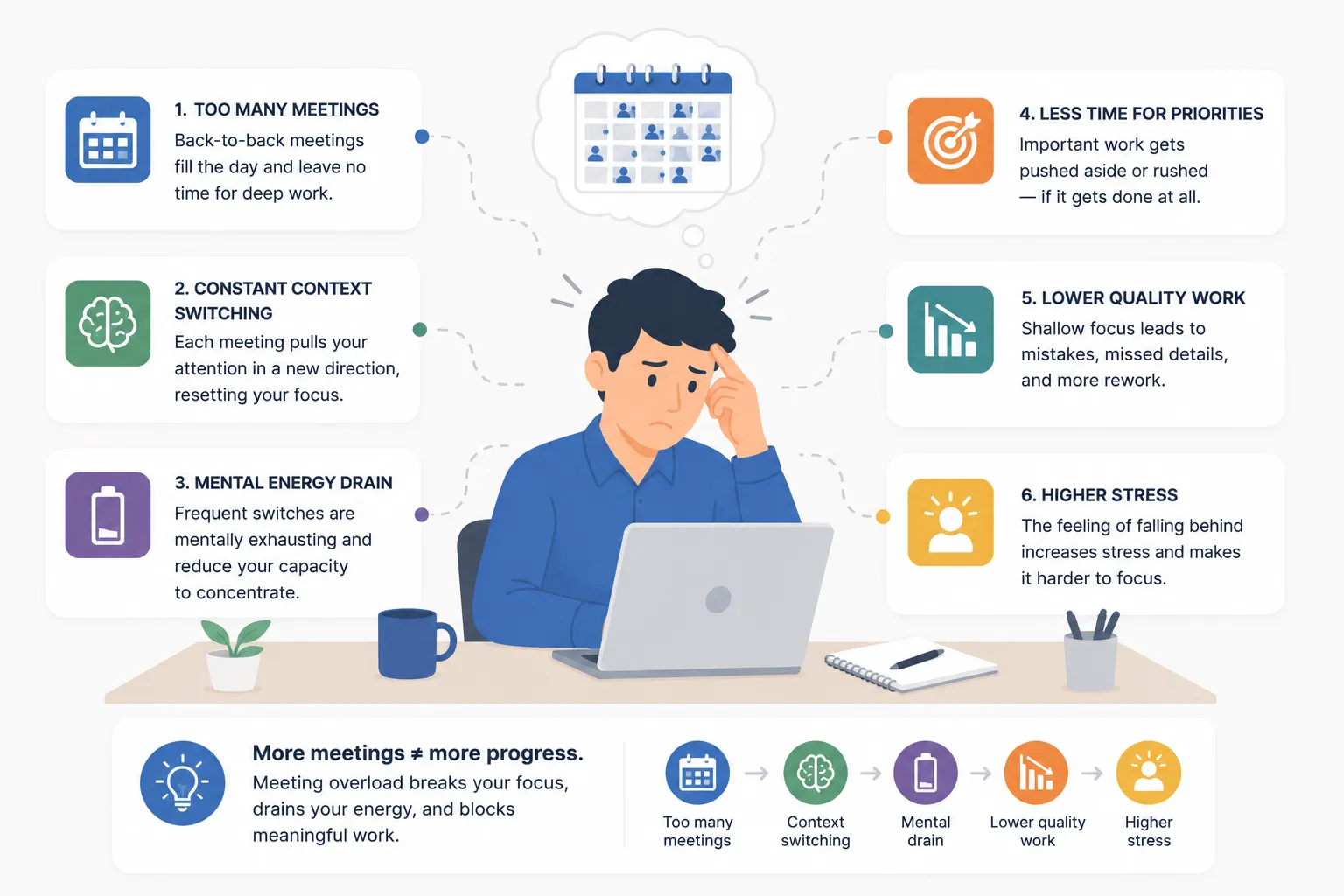
A single meeting does not only take the time listed on the calendar. It also affects the time before and after it. Employees may stop deep work early because they know a meeting is coming. After the meeting, they may need time to remember what they were doing before.
When meetings are scattered throughout the day, focus time gets broken into small pieces. An employee may have eight hours on the calendar, but no real stretch of uninterrupted work.
This is why meeting overload can make teams feel busy while reducing output. People spend the day discussing work but have less time to complete it.
The solution is not to remove every meeting. Meetings are useful when they create clarity, solve problems, or move decisions forward. The problem is unnecessary, poorly timed, or fragmented meetings that interrupt work without creating enough value.
Digital Distractions and Tool Hopping
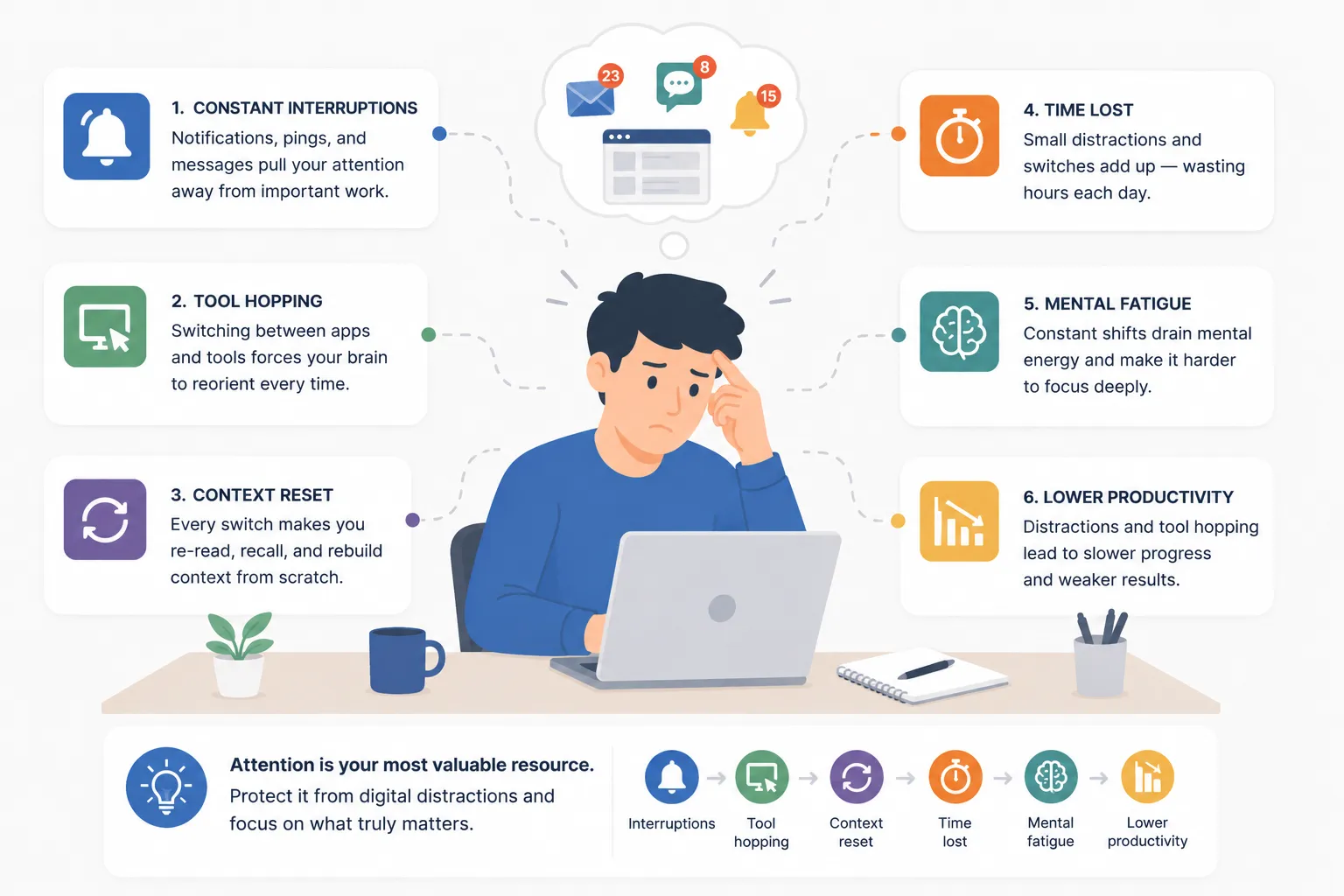
Digital distractions are another major source of context switching. Email, messaging apps, project management tools, CRM systems, shared documents, dashboards, browser tabs, and internal systems all compete for attention.
Research cited by Harvard Business Review found that digital workers toggled between apps and websites roughly 1,200 times per day, adding up to nearly four hours per week spent reorienting after switching.
Many employees are not switching because they want to. They are switching because the workflow requires it.
A customer service employee may need five systems to solve one issue. A manager may need to check email, chat, dashboards, documents, and project boards just to understand what is happening. A marketing employee may move between analytics tools, content calendars, design platforms, spreadsheets, and approvals.
The more scattered the tool stack becomes, the more attention gets divided.
Tool hopping can also hide process problems. If employees spend large parts of the day moving between apps, the issue may not be individual productivity. It may be a workflow that creates unnecessary friction.
Why Multitasking Is Usually Task Switching
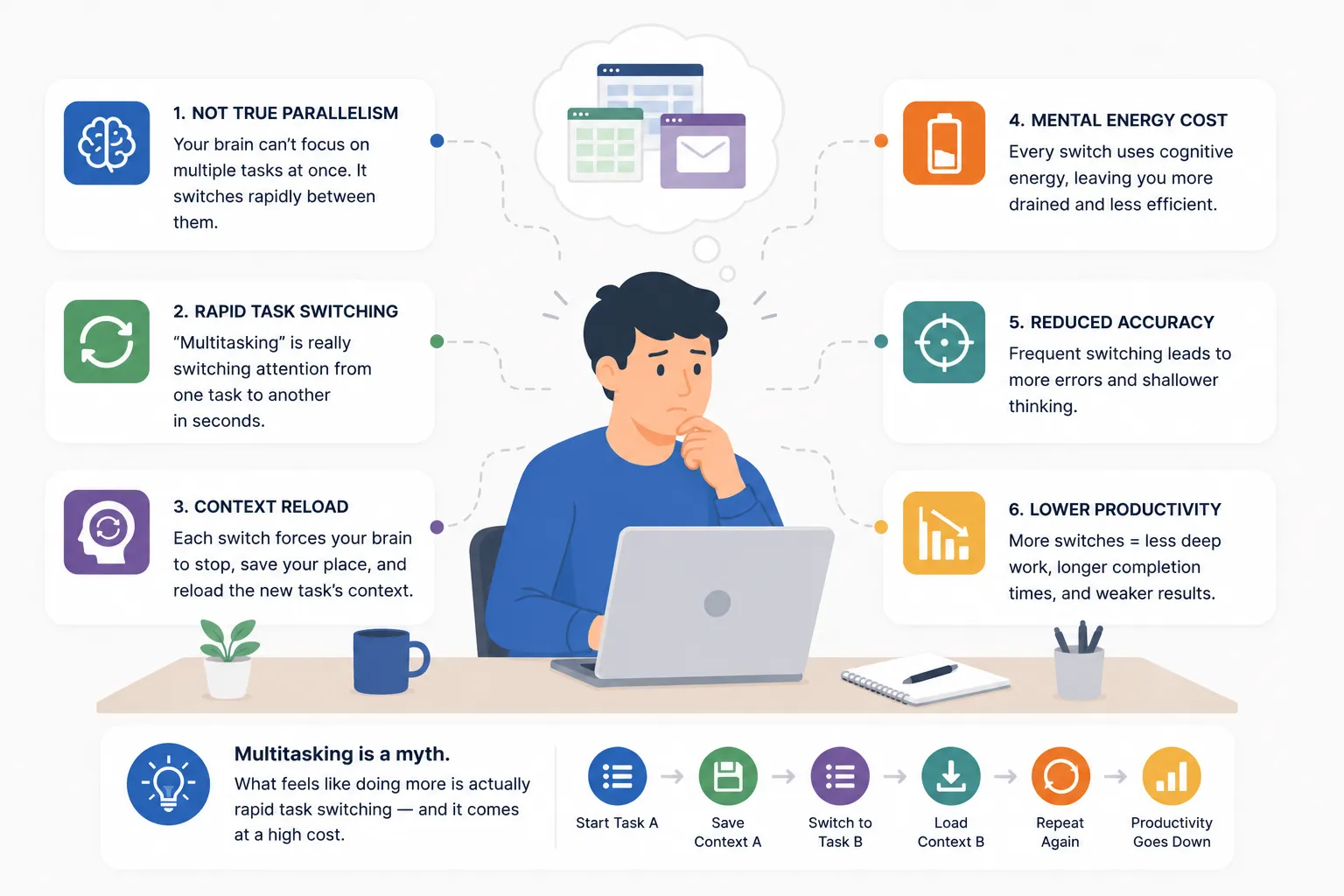
Many employees describe themselves as multitaskers, but most workplace multitasking is actually rapid task switching.
The brain is not truly doing several complex tasks at the same time. It is moving attention back and forth between them. That can feel productive because there is constant motion. But each switch adds a cost.
This matters for managers because multitasking can look like commitment. An employee who answers every message quickly, jumps into every meeting, and keeps several projects moving may seem highly responsive. But if that employee never gets focus time, their quality and speed may decline.
In many teams, responsiveness is rewarded more than deep work. That creates a culture where employees feel pressure to be available all the time, even when availability hurts productivity.
A better approach is to separate urgent collaboration from focused execution. Not every message needs an instant reply. Not every meeting needs every person. Not every task should be interrupted by the next request.
How Controlio Helps Identify Interruption-Heavy Workflows
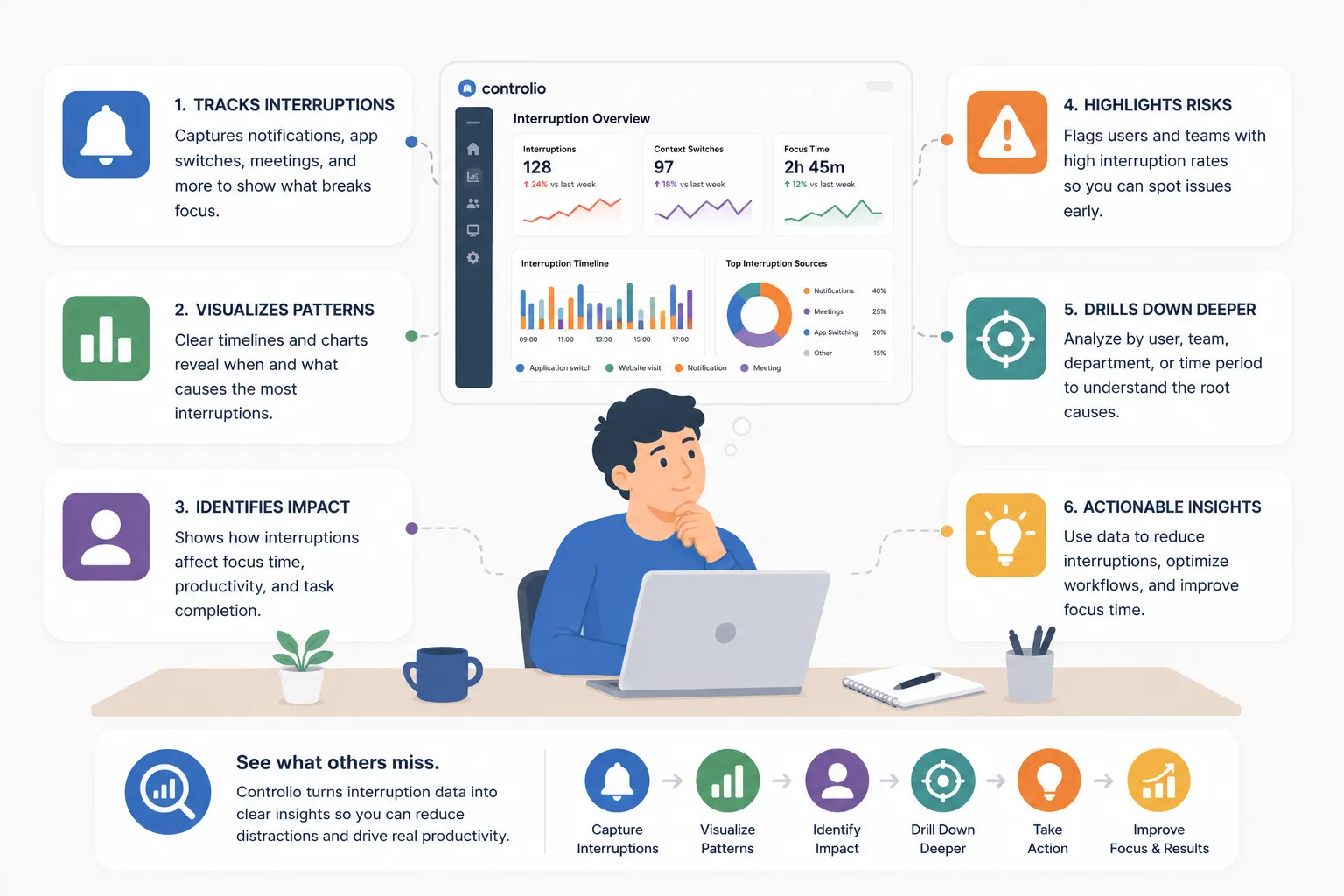
The first step in reducing context switching is seeing where it happens. That is difficult when managers only rely on self-reporting. Employees may know they feel distracted, but they may not know which tools, meetings, or habits are causing the most disruption. Controlio helps make those patterns visible.
With Controlio’s Focus & Multitasking reporting, managers can see which activities cause employees to lose focus, how much time is spent in focused work compared with multitasking, and how top performers structure their daily routines. This gives leaders a more practical way to understand whether the team has enough deep work time or whether the workday is being broken apart by constant switching.
Controlio can also help managers review application and website usage, activity categories, productivity trends, work time, and input operations. This creates a clearer picture of how employees move through the day.
For example, a manager may discover that a team spends too much time jumping between email, messenger apps, spreadsheets, ticketing systems, and internal tools. Another team may appear productive overall but have very little sustained focus time. A third team may have strong output because top performers protect longer work blocks.
The value is not in blaming employees for switching. The value is in finding the workflows that create too much switching in the first place.
What Managers Should Look For
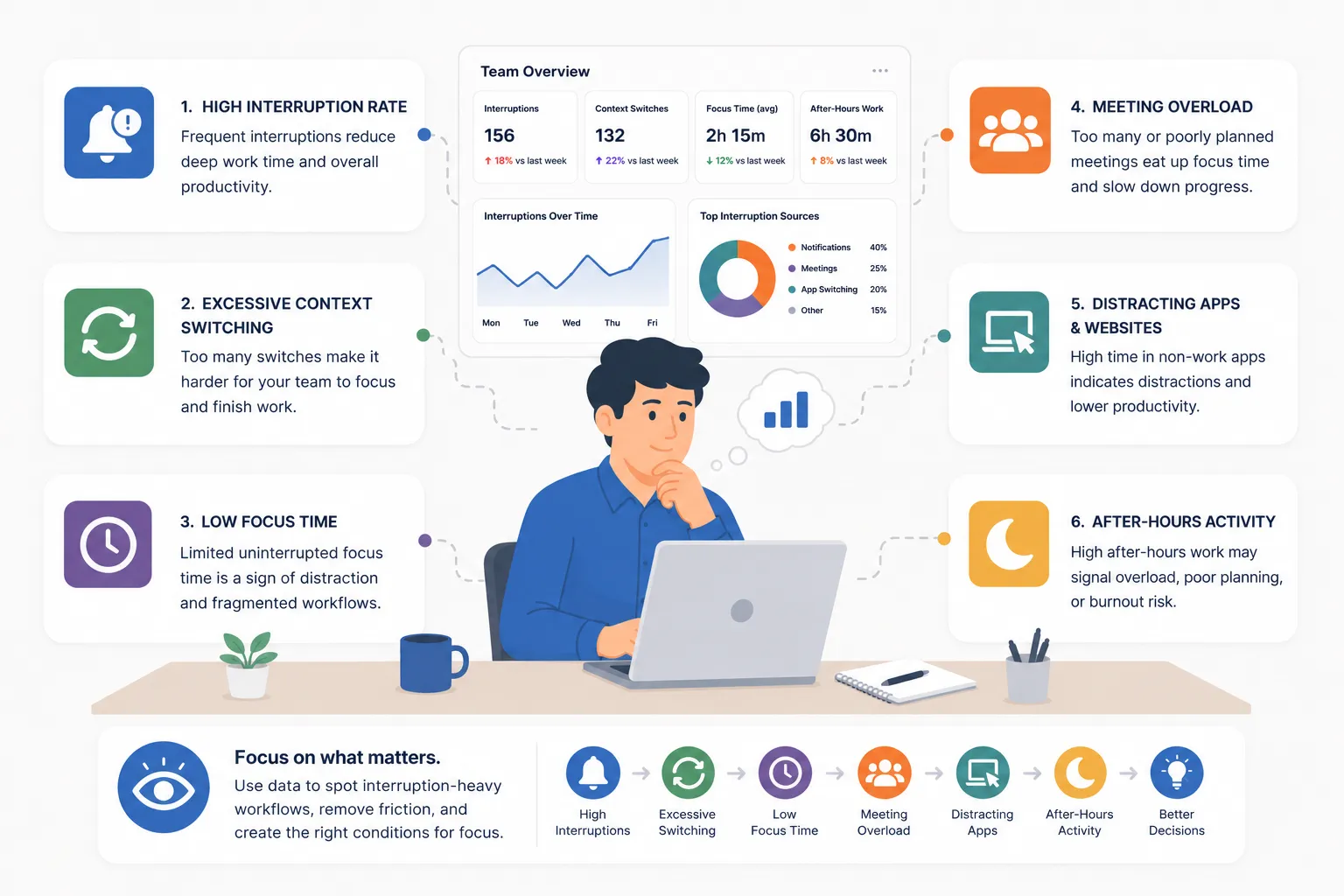
When reviewing context switching data, managers should look for patterns rather than isolated moments. One busy day does not prove a workflow problem. A repeated pattern does.
Important signs include:
- Low focus time across a team
- High multitasking time
- Heavy use of communication tools during focus-heavy roles
- Frequent movement between unrelated app categories
- Productivity decline after meeting-heavy days
- Employees who are active all day but complete fewer high-value tasks
- Teams where top performers have noticeably different routines
These patterns can reveal whether productivity loss is caused by individual behavior or by the structure of work. If an entire team has low focus time, the issue is probably not one employee. It may be too many meetings, unclear priorities, scattered tools, or too much reactive work.
Actionable Ways to Reduce Context Switching
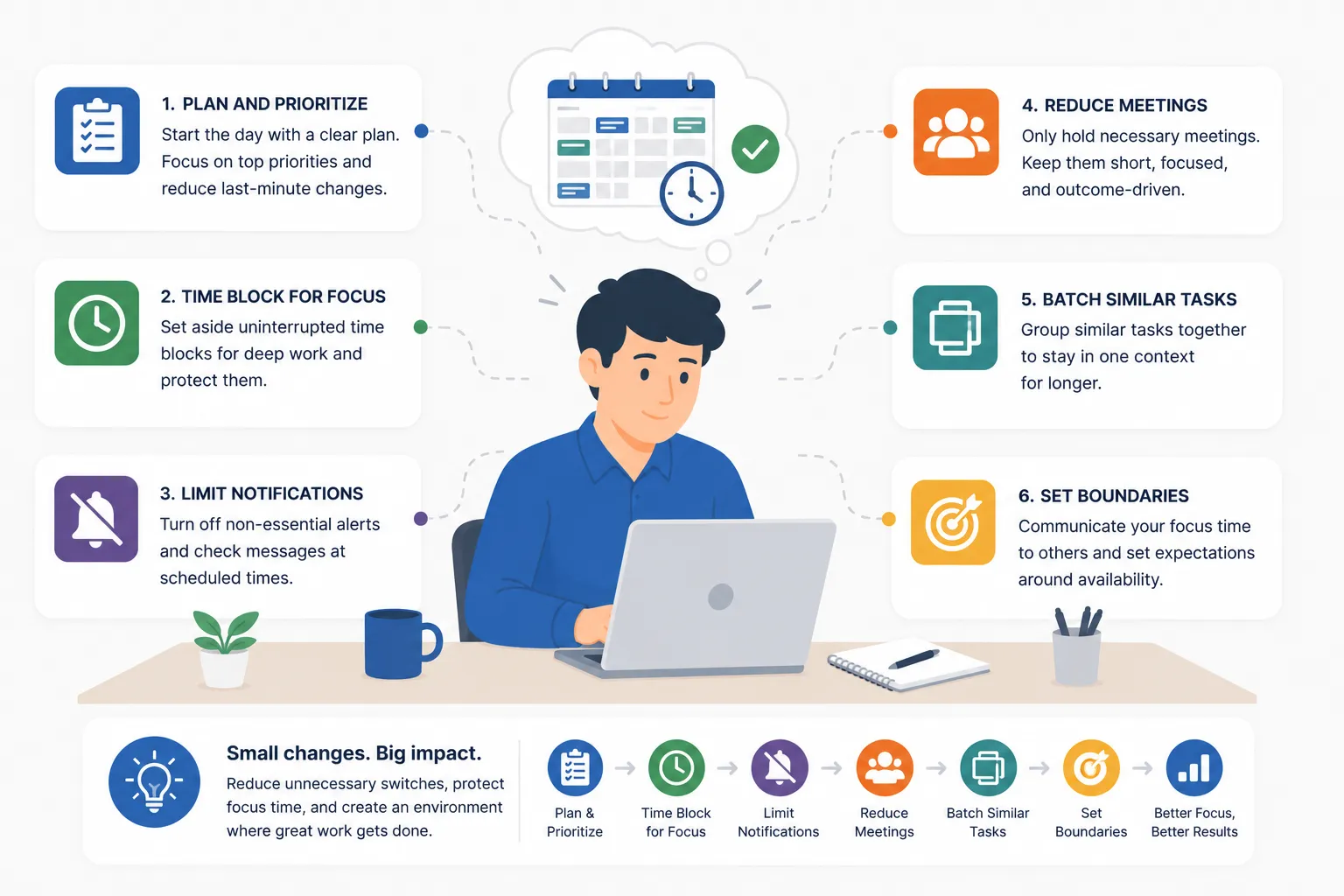
Reducing context switching does not require a complete redesign of the company. Small workflow changes can make a major difference.
1. Protect Deep Work Blocks
Teams should create dedicated focus blocks for work that requires concentration. During these blocks, meetings should be avoided, notifications should be limited, and employees should know they are not expected to respond immediately unless something is truly urgent.
Even two or three protected blocks per week can help employees complete more meaningful work.
2. Batch Communication
Instead of checking messages all day, teams can create communication windows. Employees might review email at set times or respond to non-urgent chat messages in batches.
This reduces the constant start-stop pattern that breaks focus.
3. Audit Meeting Load
Managers should review recurring meetings and ask whether each one still needs to exist. Some meetings can become written updates. Others can be shorter. Some can include fewer people.
The goal is not fewer meetings for the sake of fewer meetings. The goal is better meetings that do not destroy the rest of the workday.
4. Reduce Tool Hopping
If employees need too many tools to complete one task, the workflow may need improvement. Teams should look for duplicate systems, manual handoffs, unnecessary approvals, or places where information is scattered.
Reducing tool hopping can improve focus without asking employees to simply “try harder.”
5. Create Priority Clarity
Context switching gets worse when everything feels urgent. Managers should make priorities clear so employees know what deserves focus and what can wait.
A clear priority system reduces the mental burden of deciding what to work on next.
6. Use Data for Coaching, Not Punishment
Focus and multitasking data should help managers improve workflows. It should not become a way to punish employees for every interruption.
If an employee has low focus time, the right response is to ask what is causing it. Maybe they are overloaded. Maybe they support too many people. Maybe they are pulled into unnecessary meetings. Maybe the process is broken.
Data should start a better conversation.
Building a Healthier Productivity Culture
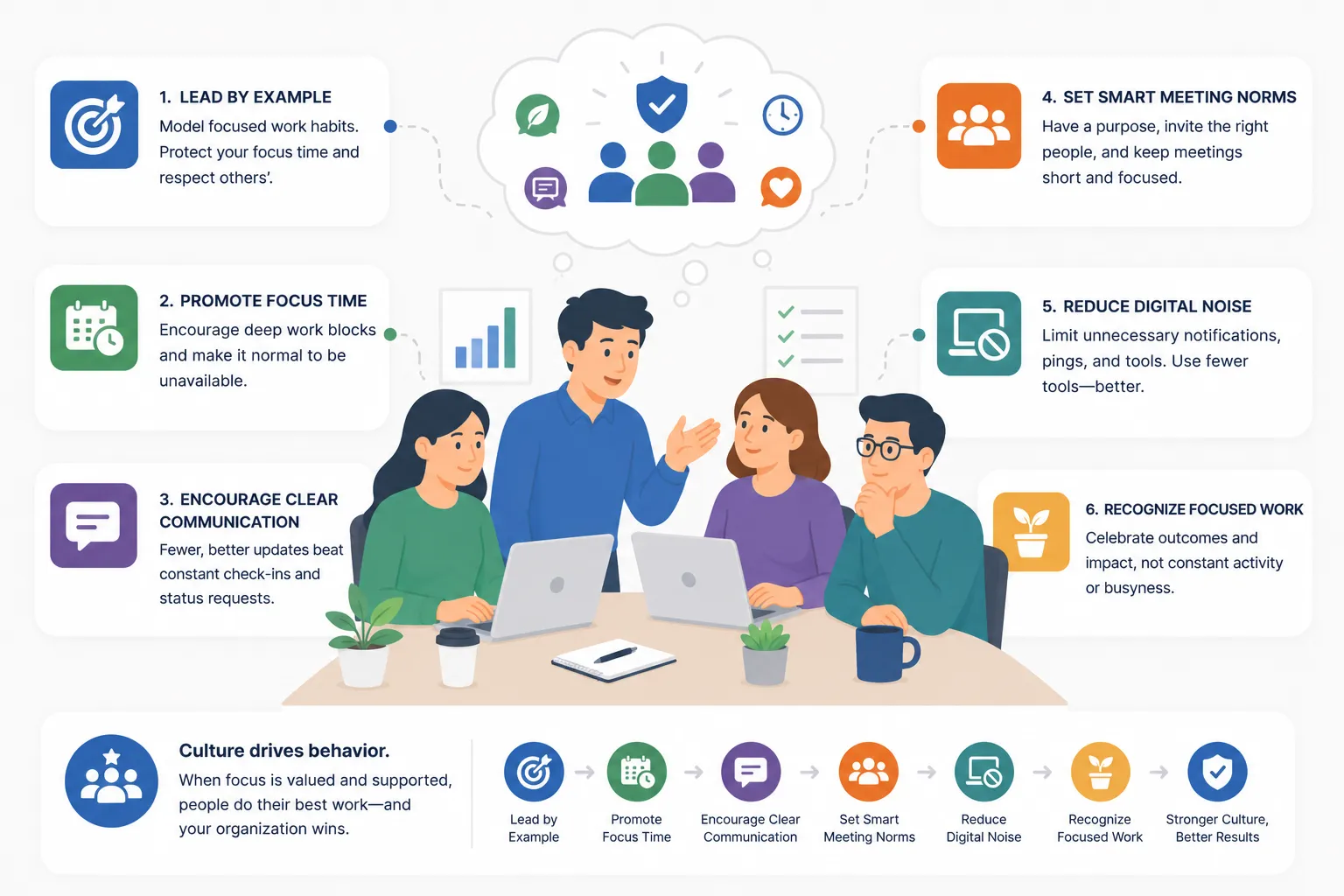
The goal of reducing context switching is not to make employees work every second of the day. It is to help them spend more time on the work that actually matters.
A healthier productivity culture values focus, clarity, and sustainable output. It does not treat busyness as proof of performance. It recognizes that deep work needs space and that constant interruptions create real costs.
This is especially important for knowledge workers. Writers, developers, analysts, designers, managers, consultants, and operations teams all need time to think. When that time disappears, quality suffers.
Controlio helps managers see whether the current work environment supports focus or constantly breaks it. With better visibility, leaders can make better decisions about meetings, tools, schedules, workload, and team expectations.
Conclusion
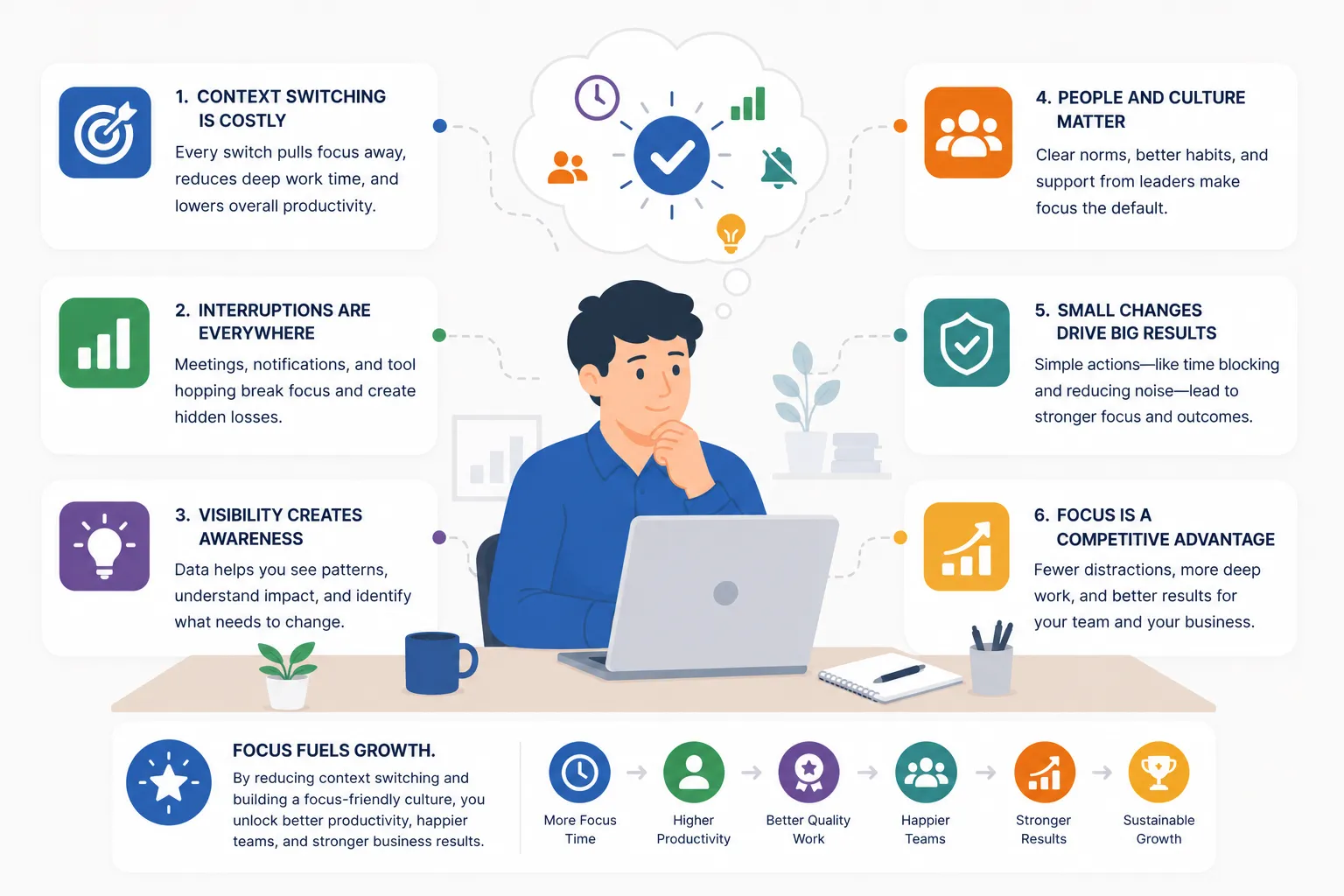
Context switching is one of the most common reasons teams feel busy but produce less. Employees may be working hard, but constant interruptions, meeting overload, digital distractions, attention residue, and fragmented focus time make it harder to complete meaningful work.
The solution is not to tell employees to focus more. The solution is to understand where focus is being lost.
Controlio helps companies identify interruption-heavy workflows by showing focus and multitasking patterns, app and website usage, activity categories, productivity trends, and daily work routines. This gives managers the data they need to reduce unnecessary switching, protect deep work, improve workflows, and support better knowledge work productivity.
When teams reduce context switching, they do not just save time. They improve the quality of work, lower stress, and help employees leave the day with something more valuable than a full calendar.
FAQ
What Is Context Switching at Work?
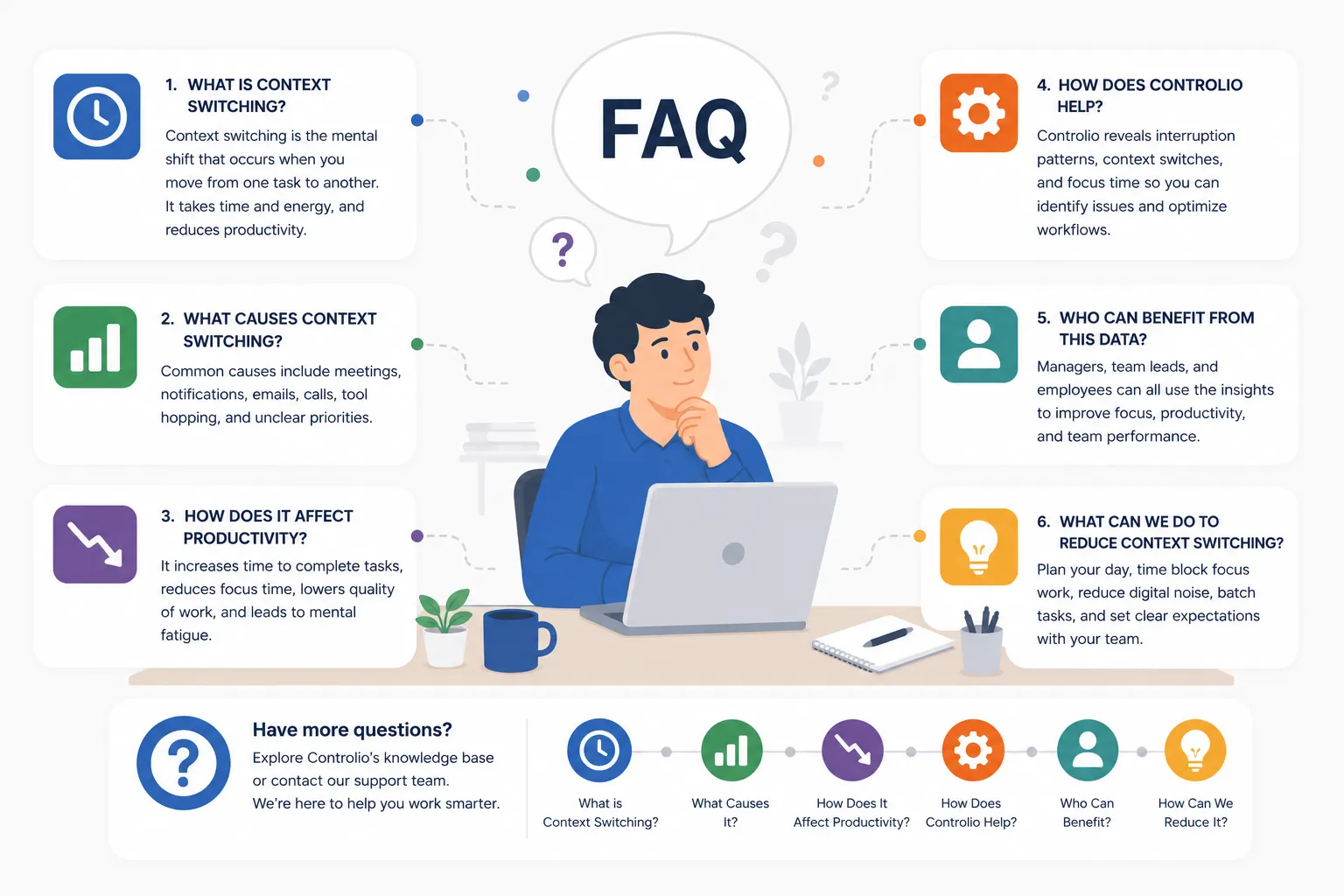
Context switching happens when employees move from one task, tool, meeting, message, or workflow to another. A small switch may not seem like a problem, but constant switching makes it harder to stay focused and complete meaningful work.
Why Does Context Switching Hurt Productivity?
Context switching hurts productivity because employees lose time and mental energy every time they stop one task and restart another. Even quick interruptions can leave attention residue, making it harder to return to deep work.
What Are Common Causes of Context Switching?
Common causes include meeting overload, constant chat notifications, frequent email checking, unclear priorities, too many active projects, and switching between multiple workplace tools throughout the day.
How Can Managers Reduce Context Switching?
Managers can reduce context switching by protecting deep work blocks, batching communication, cutting unnecessary meetings, reducing tool hopping, and setting clearer priorities so employees know what needs their full attention.
How Can Controlio Help Identify Context Switching?
Controlio helps managers see focus and multitasking patterns, app and website usage, productivity trends, and daily work routines. This makes it easier to identify workflows where employees are losing focus because of too many interruptions or too much tool switching.